85
Display
Operating Procedure
Description
“Technical” Programming
(only on ABR espresso machine models)
View Scale
Versions
9
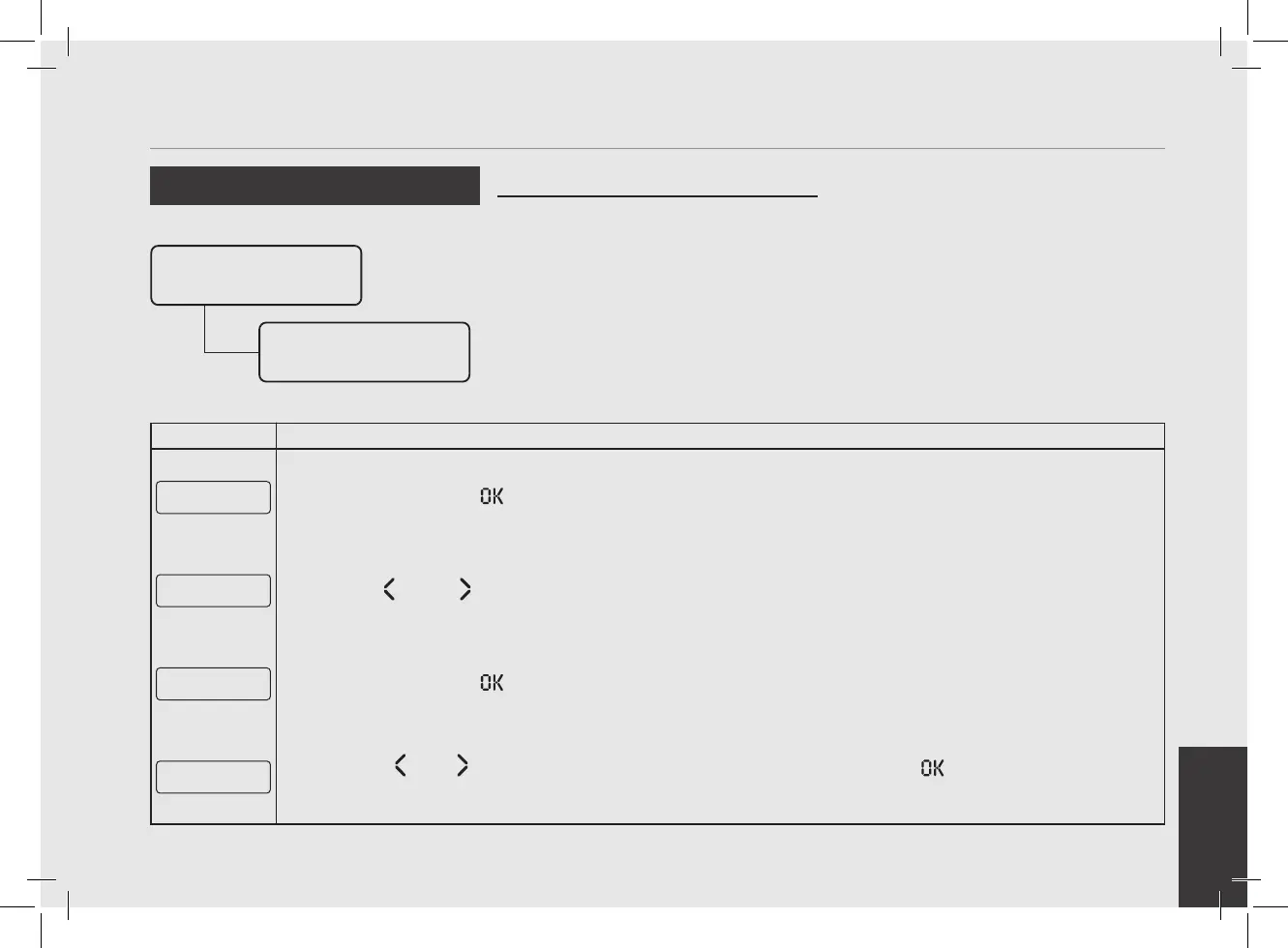
Press the T3 button to enter the menu.
G1 Scale
HW3.0 FW2.5.2
10
Use T1 and T2 to display the hardware and software version installed.
View Versions
E xit
11
Press the T3 button to exit the submenu
Scale Settings
E xit
12
Press T1 or T2 until the display shows the exit menu, press the T3 button to return to the “Technical”
programming.
Enter Password
Scale
Configuration
Scale Configuration
• This parameter allows the operator to
view and manually change each dose for
each Selection Indicator.
• For greater accuracy and consistency of
the doses, it is recommended that you
set each Selection Indicator.
• The dose can be set by pulses or by
mass (weight).
• This parameter enables the technician
to set some scale parameters like:
- Enabling/disabling the offset
parameter;
- Setting the weight reading time;
- Calibrating the scales;
- Updating the scale software.



 To Next Page