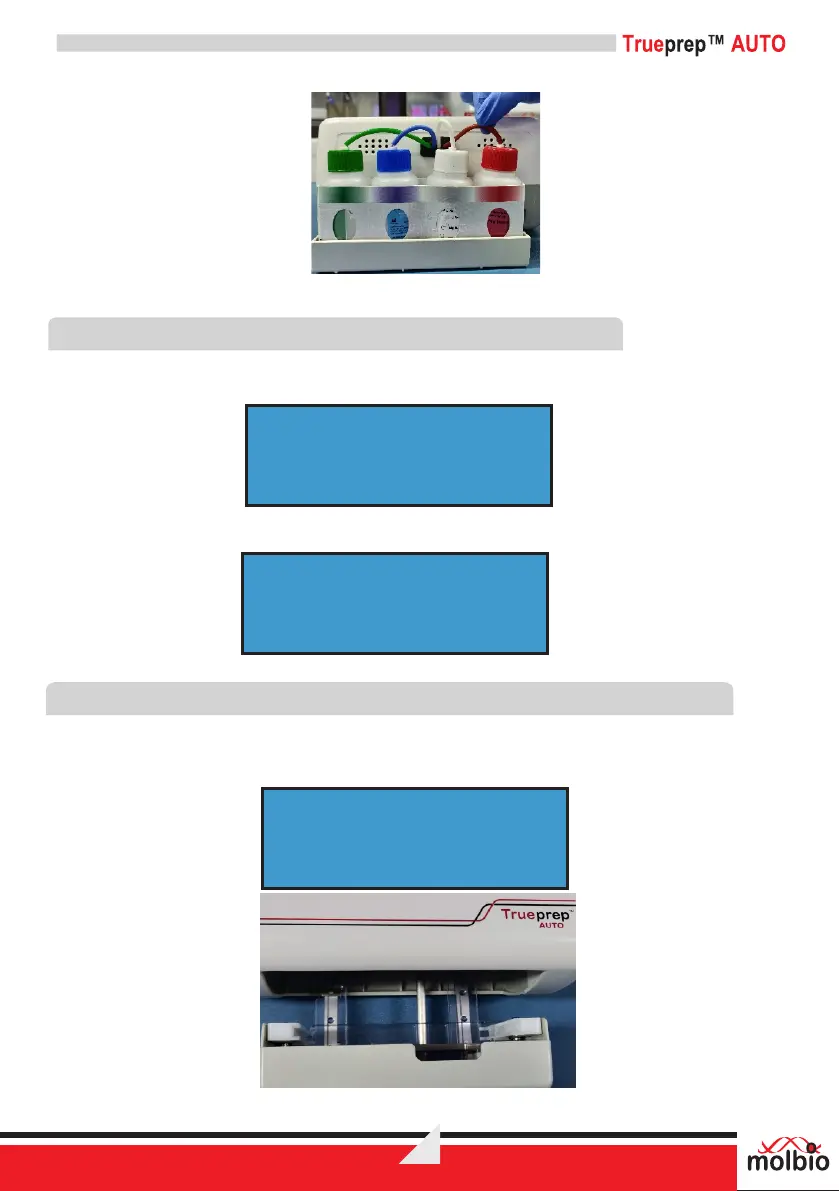
Figure 7: Reagent bottles with tubing fully immersed in liquid
7.3 Switching ON the Trueprep™ AUTO
7.3.1 Press the Power button to switch on the Trueprep™ AUTO. You will be prompted with the
message ‘Buffer Count’.
.
7.3.2 Later you will be prompted with the message for
7.4 Placing the Cartridge in the device and starting the run
Important: Only use the cartridge provided in the corresponding sample prep kits.
7.4.1 Press the Eject button to open the cartridge holder. You will be prompted with the message
Figure 8: The cartridge holder opened after eject button is pressed
DIAGNOSTICS
9
TRUEPREP AUTO
INSERT CARTRIDGE
BUFFER COUNT


 To Next Page