DIAGNOSTICS
7
7 Using the Trueprep™ AUTO
7.1 Charging/Using the Trueprep™ AUTO with the AC Adapter
7.1.1 Press the Power button to switch on the Trueprep™ AUTO
7.1.2 Low battery
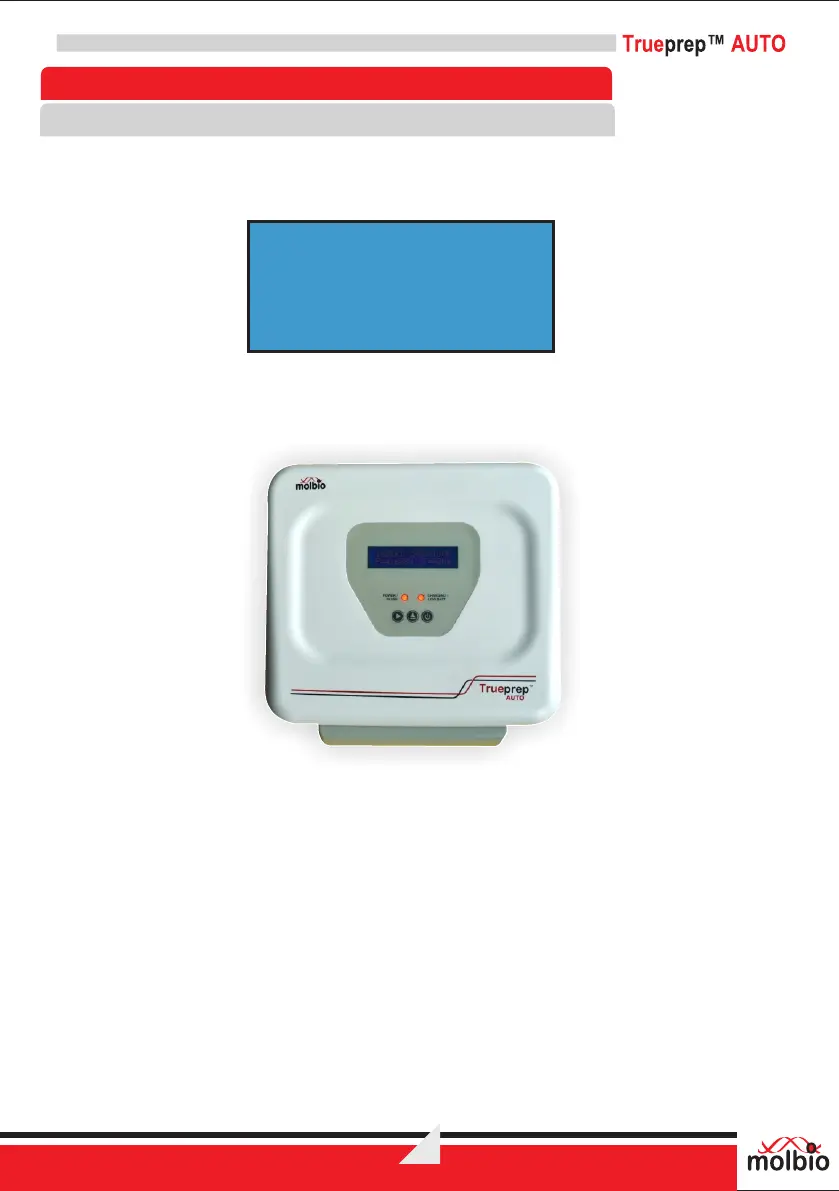
If the battery charge is low, you will see the above alert message
The Charging/Low Battery LED Indicator will glow red and you will also hear a beeping
sound. The Trueprep™ AUTO device will not let you begin a run if the battery is low.
Fig 4: Low battery LED glowing red
7.1.3 If the battery charge is full or sufficient to carry out a run, the Charging/Low Battery LED Indicator
will stay off. You may proceed to use Trueprep™ AUTO on battery charge.
For charging or to use Trueprep™AUTO on mains, connect the AC Adapter to the Charging
Port on the right side of the back panel of the device.
BATTERY LOW !
CONNECT CHARGER



 To Next Page