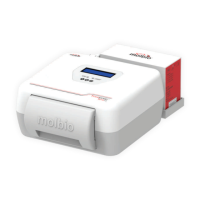
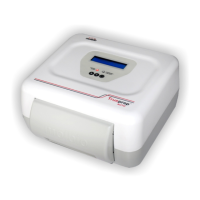
The Start button is used to begin sample processing
The Power/In Use LED Indicator will glow when the Trueprep™ AUTO is switched on and
when it is in use.
i) It will glow red and blink continuously when the Trueprep™ AUTO is switched on and waiting
for user input
ii) It will glow red continuously when it is in use
The Charging/Low Battery LED Indicator will glow when the Trueprep™ AUTO battery is low
and when it is being charged using the power cable.
i) It will glow red when the battery is low and needs to be charged
ii) It will glow blue when the Trueprep™ AUTO is being charged
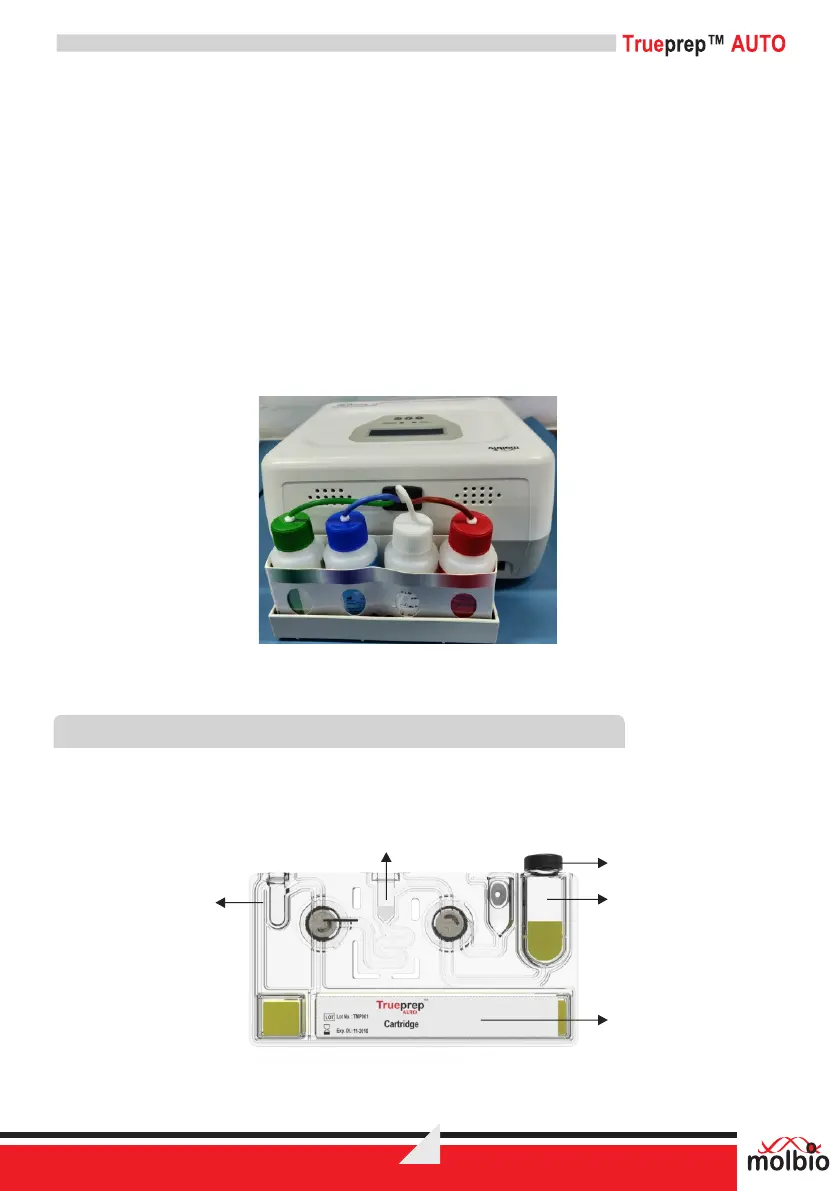
6.1B Back Panel View
Figure 2: The Trueprep™ AUTO Back Panel, with tubing and caps for plugging in reagent bottles
from the Reagent Pack of the Trueprep™ AUTO Universal Cartridge Based Sample Prep Kit
6.2 The Cartridge
Samples are processed on disposable, single-use cartridges that are inserted into the cartridge
holder. These cartridges come pre-loaded with Internal Positive Control and only require the
addition of pre-treated sample to the sample chamber for processing on the Trueprep™ AUTO.
Figure 3: Disposable Trueprep™ AUTO cartridge for sample processing
Elute
Chamber
Matrix Chamber
Sample
Chamber
Dump
Cap
DIAGNOSTICS
6


 To Next Page