ImageXpress Micro High Content Imaging System Options User Guide
28 5014166 D
6. Click Load Selected Images.
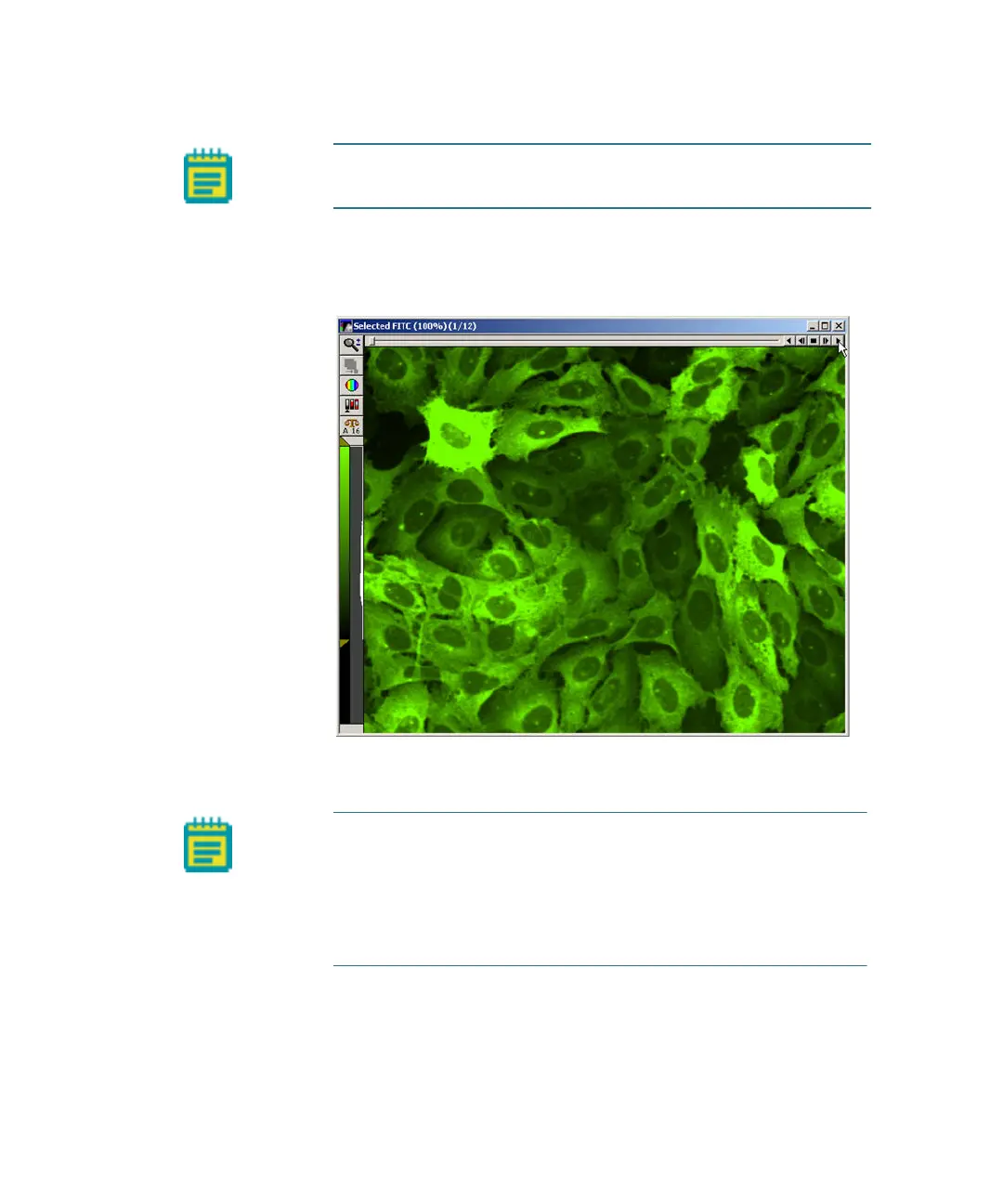
In the image window, you can view each time point as a plane in
the stack using the navigation buttons above the image pane.
Figure 1-17: Stack of images with navigation buttons above the
image pane
Note: To clear the selection, click Clear Selection at the bottom
of the dialog.
Note: In a timelapse experiment, the time starts when the first
well is acquired. If the acquisition time exceeds the time
specified for the timelapse experiment, the system proceeds as
fast as possible. As a result, the time between time points might
not match the time specified, but the timestamps on images are
accurate.
ImageXpressOptionsUserGuide.book Page 28 Wednesday, September 9, 2015 3:54 PM



 To Next Page