Environment Control Option Operations
5014166 D 29
To make a movie
1. Before you begin, load timelapse images and create a stack. See
Reviewing Timelapse Data on page 27.
2. Select the image window of the stack on the MetaXpress
Software desktop.
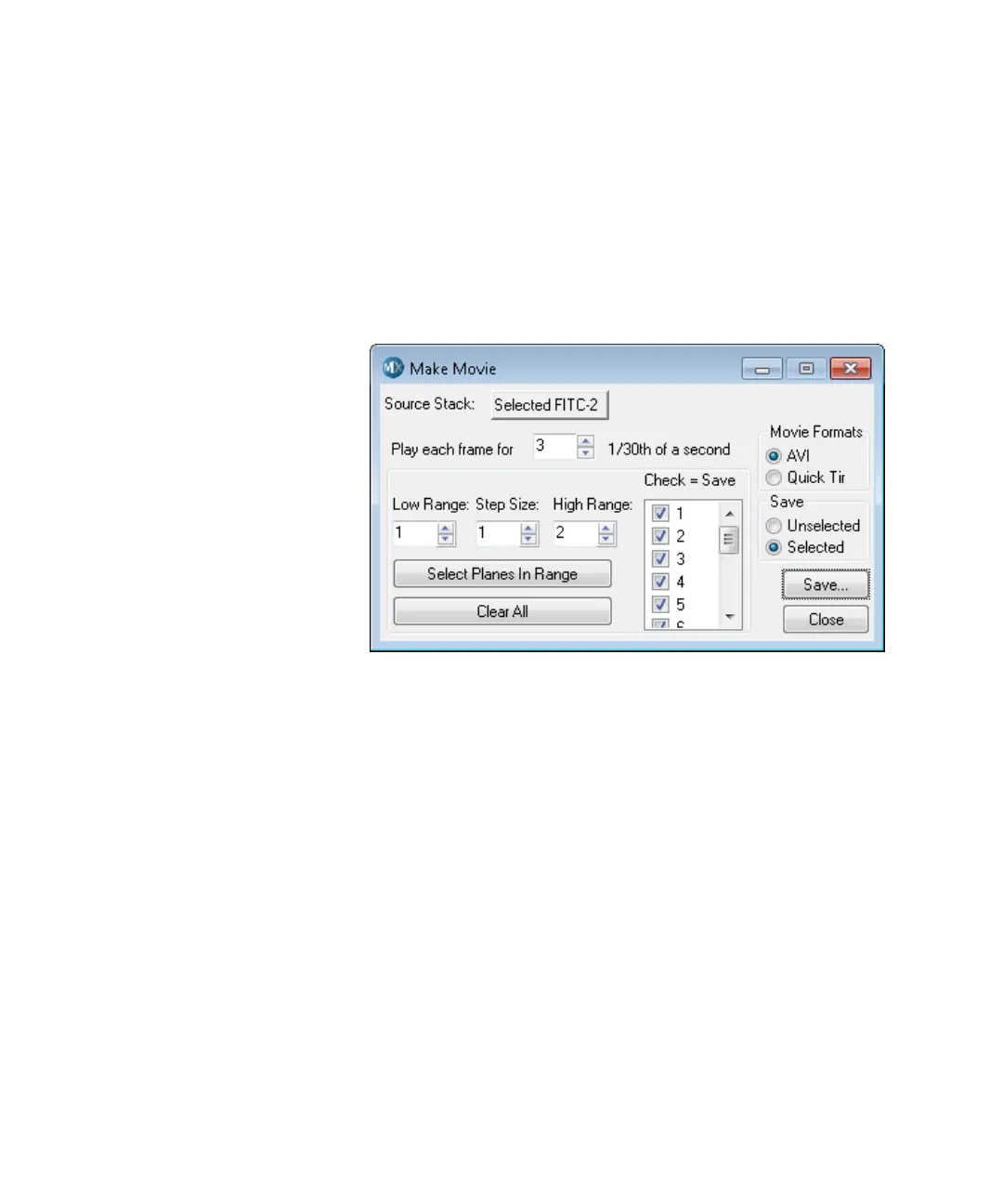
3. In the MetaXpress software, click Stack > Make Movie.
In the Simplified Menu Structure, click Edit > Stack > Make
Movie.
Figure 1-18: Make Movie dialog
4. In the Make Movie dialog, select the desired options.
For information about the available options, view the application
help by pressing F1 while viewing the dialog.
5. Click Save.
ImageXpressOptionsUserGuide.book Page 29 Wednesday, September 9, 2015 3:54 PM



 To Next Page