Fluidics Option Operations
5014166 D 37
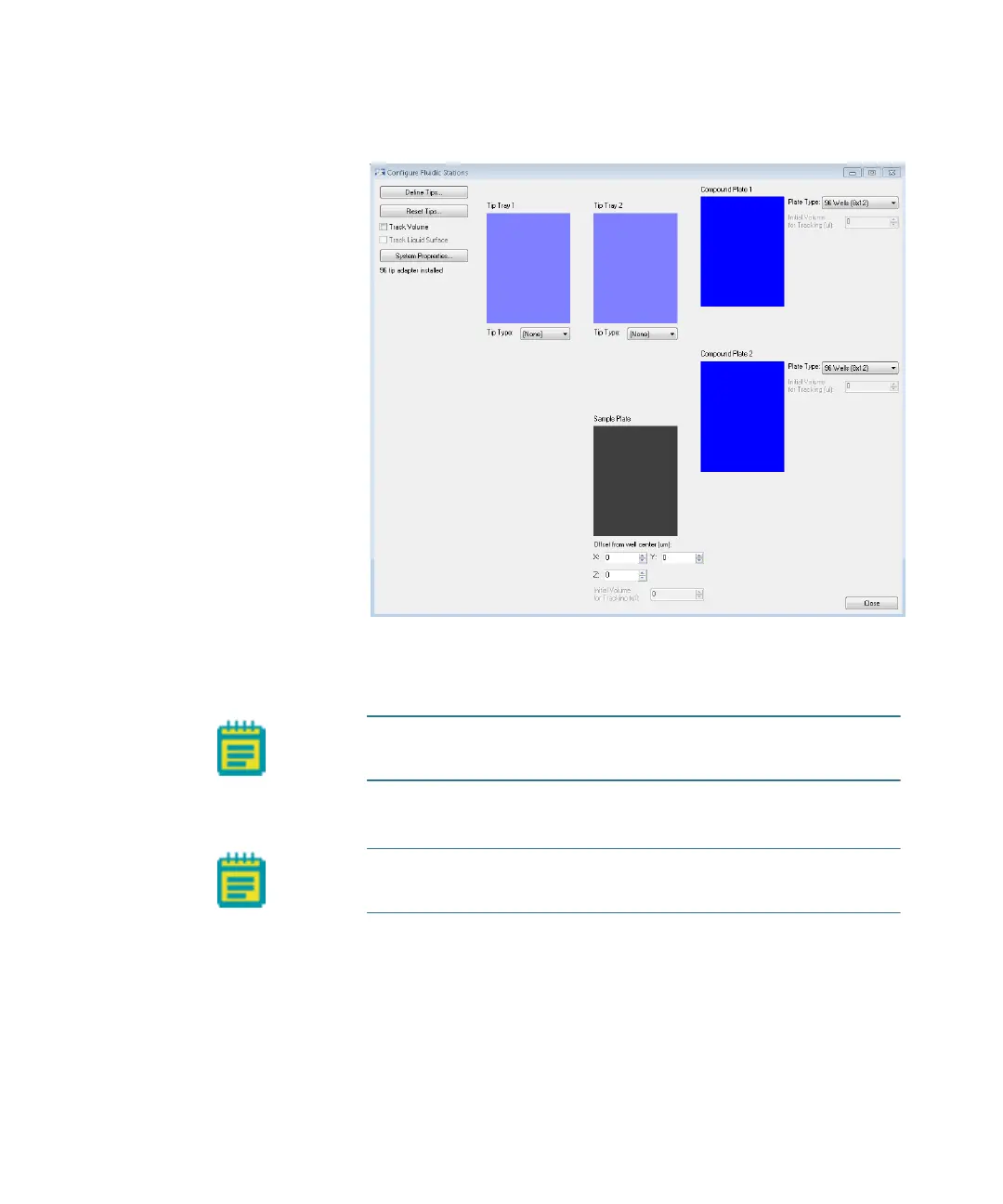
5. Click Configure Stations.
Figure 2-6: Configure Fluidics Stations dialog
6. On the Configure Fluidics Stations dialog, for each Tip Tray,
select a Tip Type.
7. For each Compound Plate, select a Plate Type.
Note: The system comes pre-configured with settings for FLIPR
Tetra 96 and 384 tips.
Note: You can use only standard 96-well or 384-well plates for
fluidics.
ImageXpressOptionsUserGuide.book Page 37 Wednesday, September 9, 2015 3:54 PM



 To Next Page