ImageXpress Micro High Content Imaging System Options User Guide
68 5014166 D
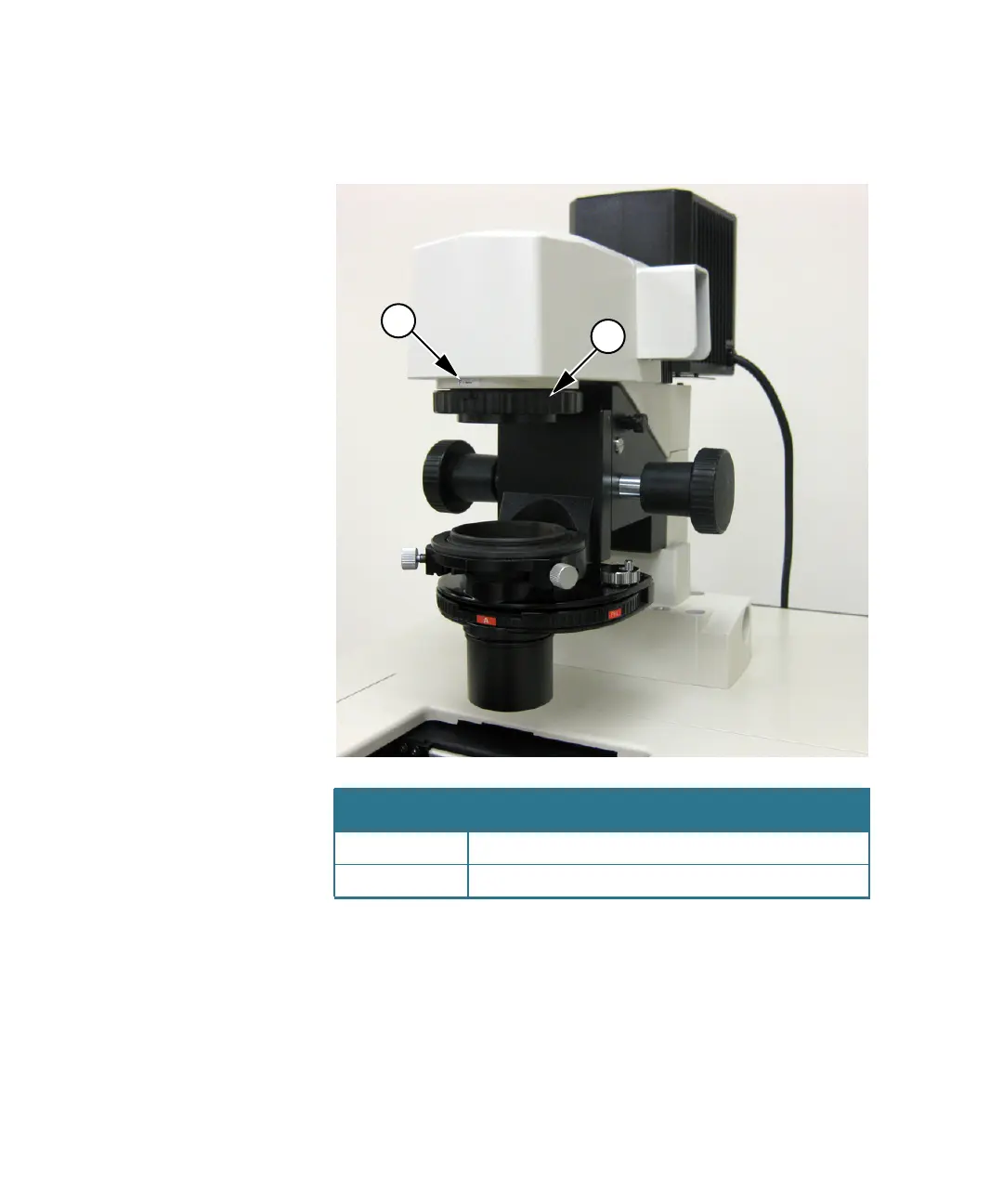
3. Turn the adjustment ring, which is located below the arm of the
Transmitted Light tower, to the middle of the aperture range.
Figure 4-16: Aperture stop position for phase ring alignment
Item Description
1 Label indicating aperture range
2 Adjustment ring
1
2
ImageXpressOptionsUserGuide.book Page 68 Wednesday, September 9, 2015 3:54 PM



 To Next Page