Transmitted Light Option Operations
5014166 D 73
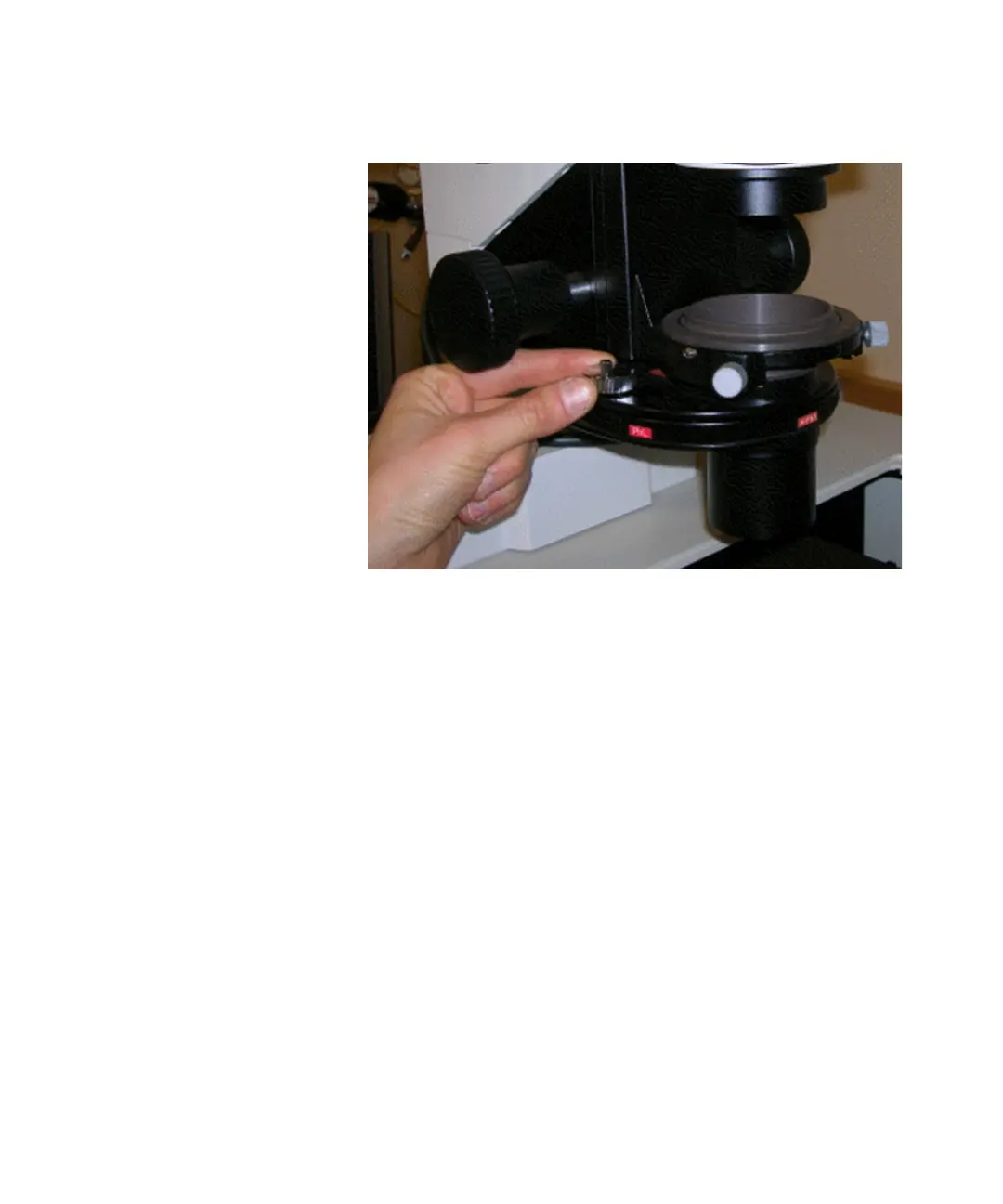
19. Lock down the annulus centering knobs.
Figure 4-22: Centering the condenser annulus ring with the
objective phase ring
20. Adjust the height of the Transmitted Light condenser with the
condenser height adjustment knob until a sharp image is
obtained. If required, adjust the lamp power or exposure level.
21. In the MetaXpress software, click Stop Live.
22. For the ImageXpress Micro Standard, XL, or XLS Systems, move
the flip-in lens out of the optical path.
For the ImageXpress Micro Standard and XL Systems, see To
use the flip-in lens on the ImageXpress Micro Standard and
XL Systems on page 61.
For the ImageXpress Micro XLS System, see To use the flip-in
lens on the ImageXpress Micro XLS System on page 63.
For the ImageXpress Micro XLS System, the lens used for phase
ring adjustment automatically moves out of the optical path
when an emission wavelength is selected for your acquisition.
ImageXpressOptionsUserGuide.book Page 73 Wednesday, September 9, 2015 3:54 PM



 To Next Page