Page 13 of 34
3.2 Vibrasat
®
Pro Console
The Vibrasat
®
Pro Console (Figure 1, Point 3) is the control unit for the Vibrasat
®
Pro. There
is an On / Off switch on the rear of the device for the device standby mode and for the device
interfaces for the foot switch (2 foot switches can be operated simultaneously)
Vibrasat
®
Pro Wand and mains plug. All the application parameters are controlled using the
capacitive buttons on the front of the Vibrasat
®
Pro Console .
The Vibrasat
®
Pro Console software can be updated using the USB interface on the rear
(Figure 1, Point 14). It must be noted that this is a service interface. The procedure is
described in Chapter 8.
3.3 Foot switch
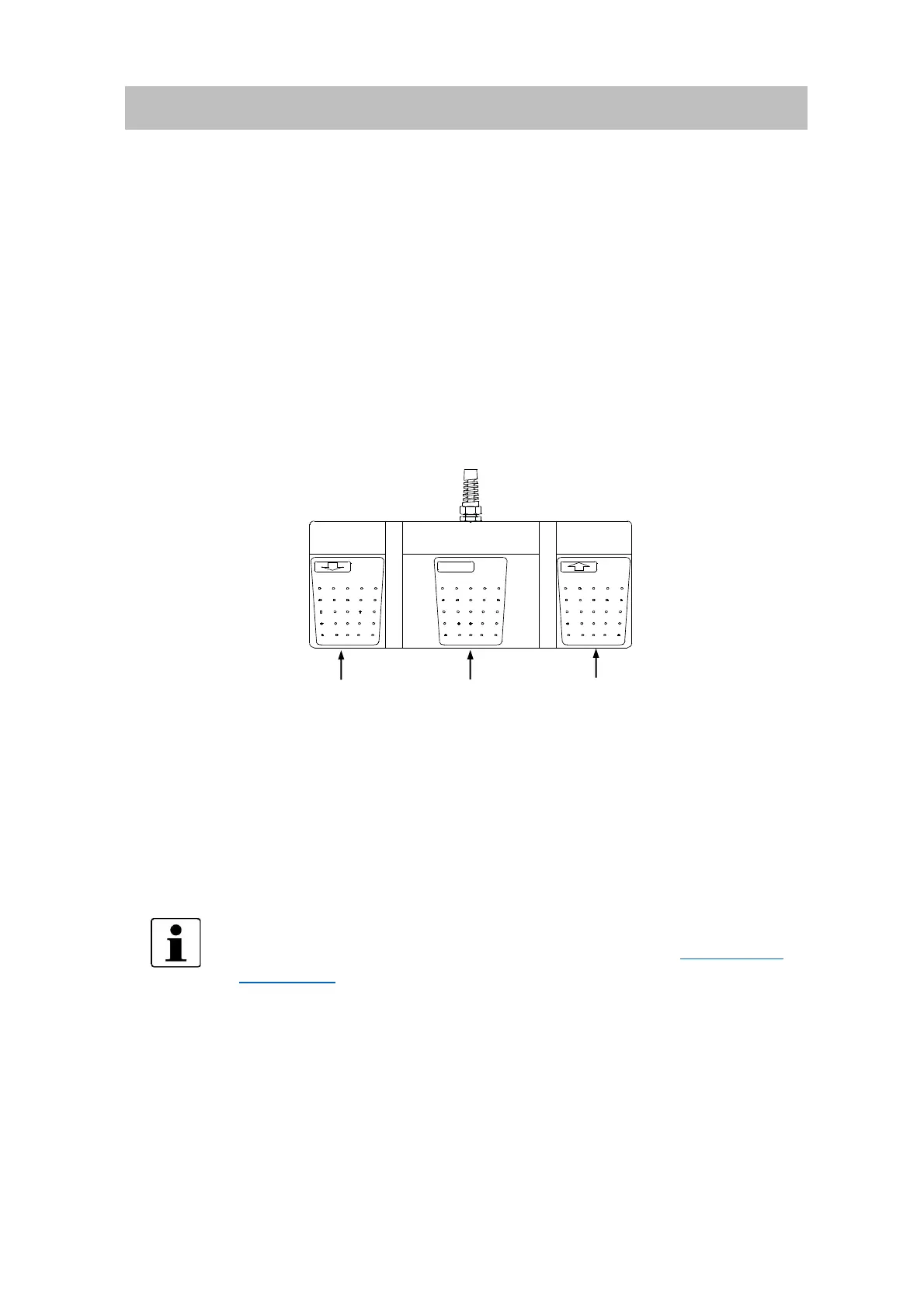
The foot switches (optionally available as accessories) can be set in the same way as the
buttons on the Vibrasat
®
Pro Console.
Both foot switches behave identically.
Both connection sockets on the rear are equal.
3.4 Cannulas
Only the designated Möller Medical GmbH cannulas may be attached to
the Vibrasat
®
Pro Wand handle. An up-to-date list of the available
cannulas can be found in our Brochure or on our website www.moeller-
medical.com.



 To Next Page