SavingPresets
Aftertheeditingisdone,presstheSAVEbuttontosaveyourpreset.
Selectaslottostore.Rotate/pressVALUEknobtoeditpresetname.
10
ExpressionPedal
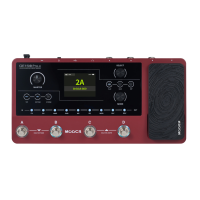
TheexpressionpedaloftheGE150canbesetintheEXPmenu.
VolumePedalsetting
1.VolumeofEffects
PressEXPbuttontoenterexpressionpedalsettingmenu.
SelectFunction.ThenselecttheLevel/Volume/MST.
Pressexpressionpedalhardtoactivate-EXPLEDwilllightup.
SAVE
P001
A B C D E F G H I J K L M N O P Q R S T U
V S Y Z a b c d e f g h i j k l m n o pW
q r s t u v w s y z 1 2 3 4 5 6 7 8 9 0 _
GE150



 To Next Page