MOOERSTUDIOSoftware
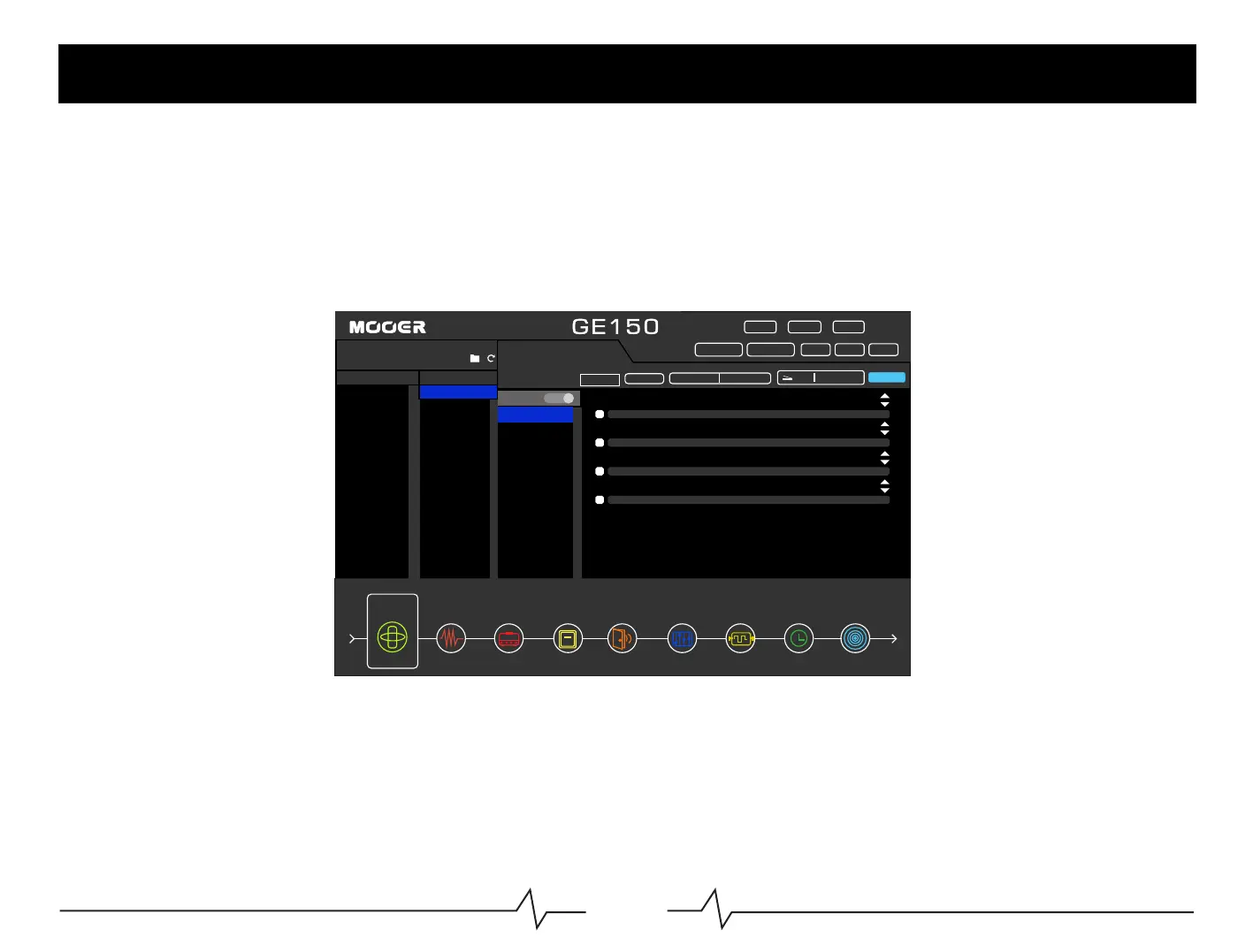
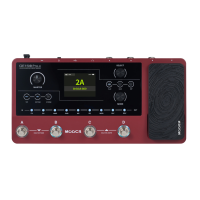
150canbeconnectedtoaWindowsPCorMACviaUSBfordirectrecording,softwareupdates,orpreseteditingusing
thededicatededitorsoftware.
Notice:Thetype-BUSBportisforsoftwareediting,firmwareupdates,andOTGportfordirectrecording.
SoftwareDownload:www.mooeraudio.com
FX
DS/OD AMP CAB NSGATE EQ MOD DELAY REVERB
01:CRYWAH
02:535WAH
03:AUTOWAH
04:TALKWAHAH
05:TALKWAHOH
06:TOUCHWAH
07:YELLOWCOMP
08:BLUECOMP
PRESET
DEVICE
COMPUTER
11111111
PRESET3
PRESET2
FX
INPUTLEVEL
POTION
BACKUP RECALL
RESET
SCREEN
OTG
CABAIMTHRU
BPM120
SAVE
CAB-L:THRU CAB-R:THRU
o
o
o
o
Q
POSITION
PEAK
LEVEL
22
OFF
EXPVOL
GE



 To Next Page