15
Looper
Pressandhold▲footswitchtoentertheLOOPER.
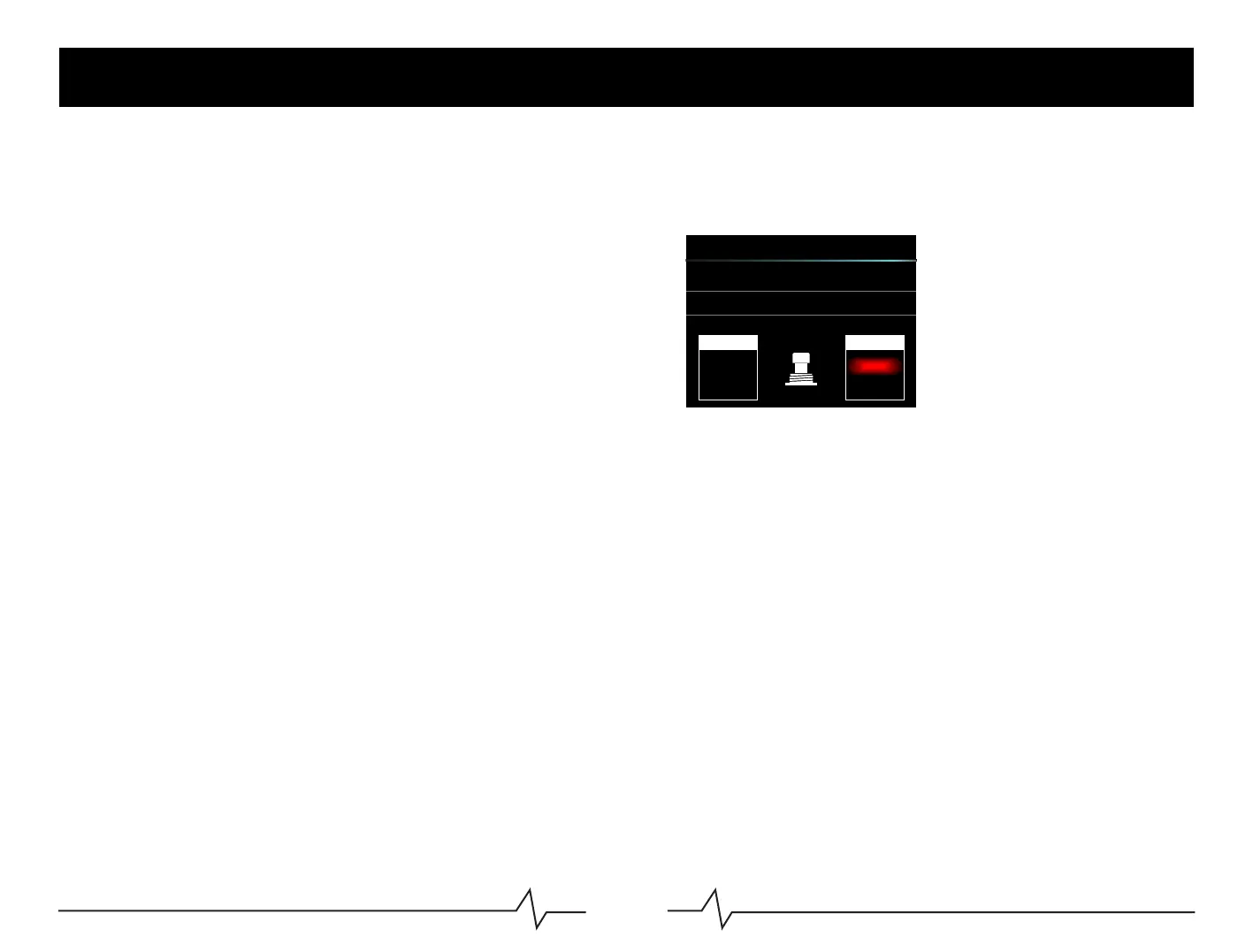
LOOPERSettings
PLAYVOL:Playbackvolumeofthelooper.Rotatethe
VALUEknobtoadjustloopervolume.
TIME:Recordingtimedisplay.
LooperOperation
●REC:Press▼footswitchtostartrecording.
●PLAY:DuringREC/DUB/STOP,press▼footswitchtostartplayback
●DUB:DuringPLAY,press▼footswitchtodub
●STOP:DuringPLAY/DUB,press▲tostopplaybackordub.
●CLEAR:Pressandhold▲for1secondtoclearallthetracks.
Notice:1.Afterrecordingpast80seconds,LOOPERwillautomaticallystartplayback.
2.Editingpresetswillnotchangetherecordedtrack'stone.
LOOPER
STOP
CLEAR
TIME: 000.0S
LEFT
RIGHT
PLAY VOL: 070
REC
DUB
RIGHT
PLAY



 To Next Page