STEP 3
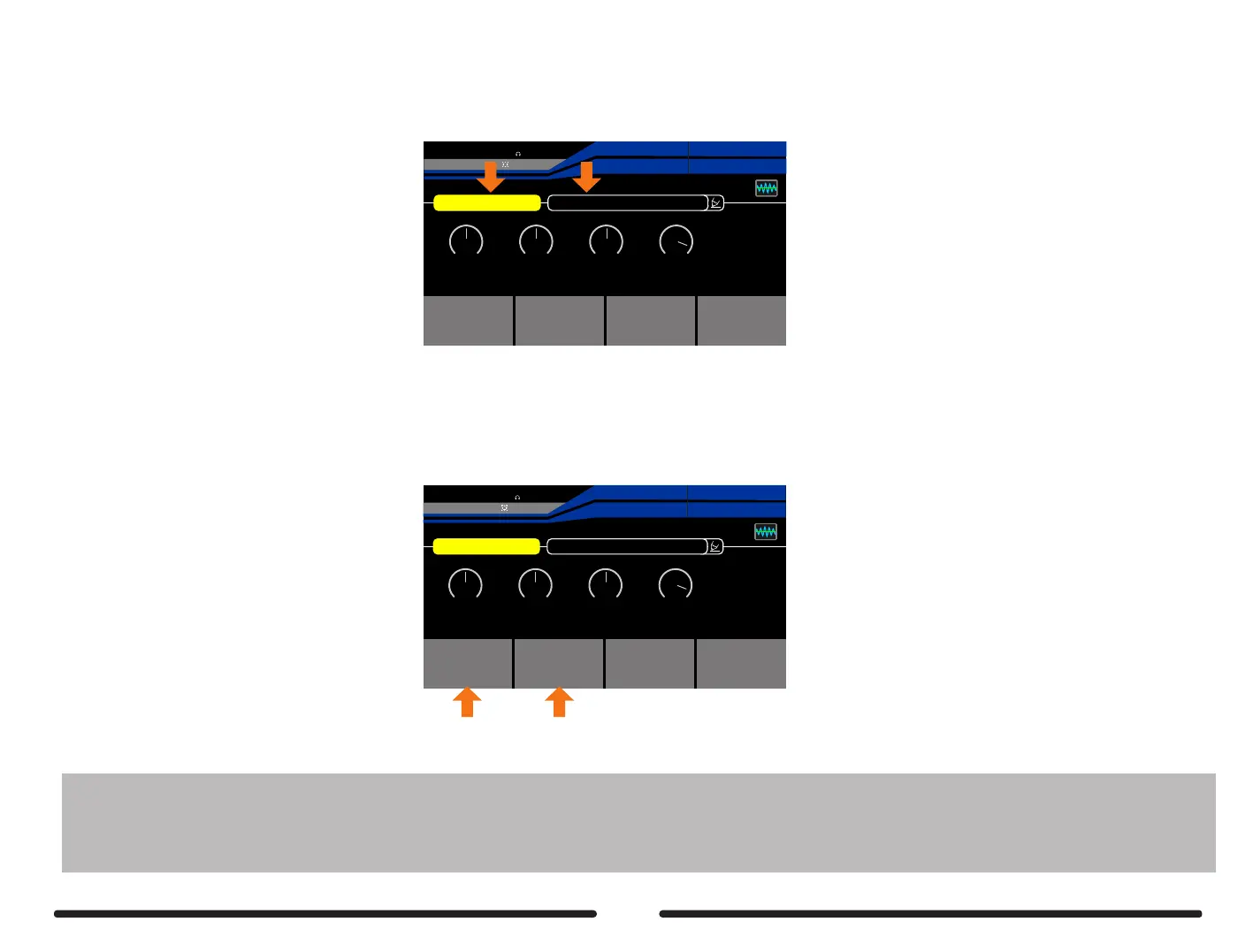
Navigate to an empty preset (NULL)
Select Amp&Stomp mode (Learning:Amp&Stomp)
Pitch 1
OUTPUT
INPUT
Learning: Amp&Stomp
CaptureSource
Monitor
01:Null
50
High
5050 0dB
MidLow Output
EXP2:SYNTH
EXP1:SYNTH
Pitch 1
Pitch 1
27%
BPM 120.0
OUTPUT
XLROUT
INPUT
A
B
C
D
Target
Monitor
Active
Learning: Amp&Stomp
CaptureSource
Monitor
01:Null
50
High
5050 0dB
MidLow Output
EXP2:SYNTH
EXP1:SYNTH
Pitch 1
Pitch 1
27%
BPM 120.0
OUTPUT
XLROUT
INPUT
A
B
C
D
Target
Monitor
Active
STEP 4
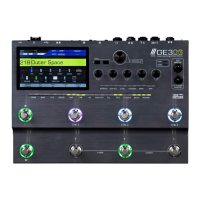
Press footswitch A to monitor the Stompbox or Amp you wish to sample
This is known as the TARGET
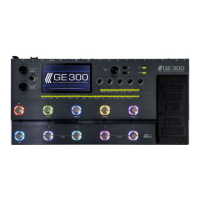
Press footswitch B to monitor the digital Stompbox or Amp in Ge300
This is known as the SOURCE
Adjust the settings of the digital Stompbox or amp to
match the TARGET as closely as possible
Notes: 1.You need to adjust the stompbox or amp gain/drive in GE300 in order to match the target( you want to sample)’s gain/drive before capturing. For the
best result, similar gain/drive and volume settings are necessary. For example, if you capture a lead channel amp with a clean amp model in the GE300,
the result will be a clean sound.
2. If you are using loadbox to capture a full amp tone, you might need the cabinet simulator to compare the sound while monitoring the Target.
Please turn on the CAB in the GE300 and set the signal chain as : AMP > Tone Cap > (Send,Return)>CAB.
46


 To Next Page