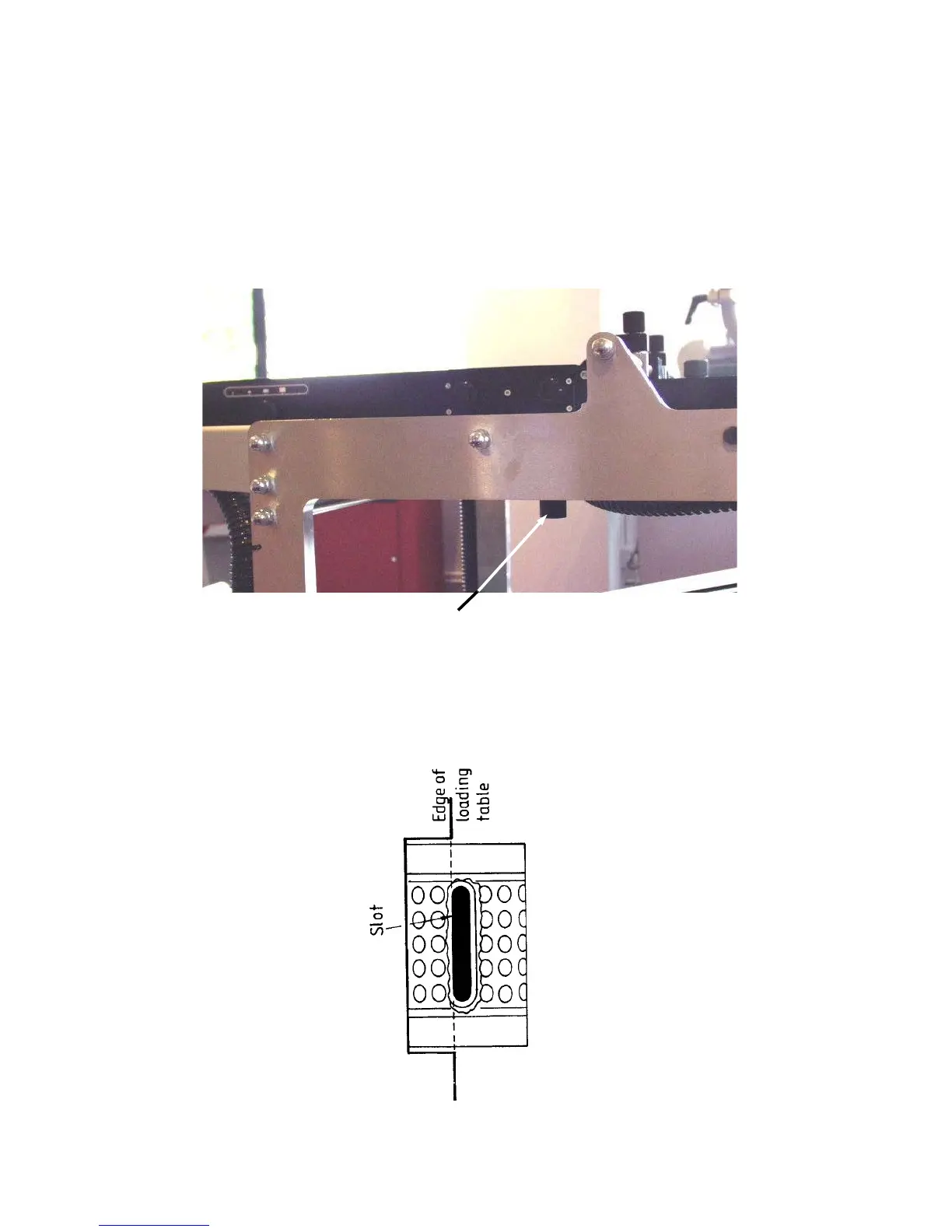
3.7 Slide the shuttle valve knobs (F) to the desired position on each manifold
according to paper size. The settings A2, A3 and A4 are only a guide.
Obviously a very lightweight sheet of A4 will not require the same setting as,
for example, a two sheet thickness of A4. Therefore, air can be expelled and
lost by setting to A2 and losing the extra air out of these slots.
3.8 Position the paper stop block to the rear of paper stack.
3.9 Move the suction opening by loosening knob (G) and re-setting to the desired
position.
The standard setting for the suction opening is with the back of the slot
inside the drum, in line with the edge of the loading table, but may be varied
according to the type of paper being run.
6
(G)



 To Next Page