SECTION 3
24
Examine the display for any of the following notification messages:
• Leads Off –displays when patient is not connected.
• Lead Fault –displays faulty lead(s). Re-prep and replace electrode(s) if necessary to obtain satisfactory
waveform(s). (See Patient Preparation.)
• Electrode Wrong Position – displays one of the following when a lead is connected incorrectly or is in the
wrong location. (See Patient Preparation.)
◦ “Limb leads misplaced?”
◦ “LA or LL misplaced?”
◦ “RA or RL misplaced?”
◦ “RA or LL misplaced?”
◦ “RA or LA misplaced?”
◦ “V1 or V2 misplaced?”
◦ “V2 or V3 misplaced?”
◦ “V3 or V4 misplaced?”
◦ “V4 or V5 misplaced?”
◦ “V5 or V6 misplaced?”
NOTE: The algorithm detecting electrode misplacements is based on normal physiology and ECG lead
order, and tries to identify the most likely switch; however, it is advisable to check the other electrode
positions in the same group (limb or chest).
• WAM Low Battery – displays when a low battery signal for the WAM is detected.
• Searching for WAM – displays when the WAM is not detected. Occurs usually when the WAM is out of
range or not powered on.
When the problem is corrected, the device waits for 10 seconds of good data before analyzing the ECG. Please refer
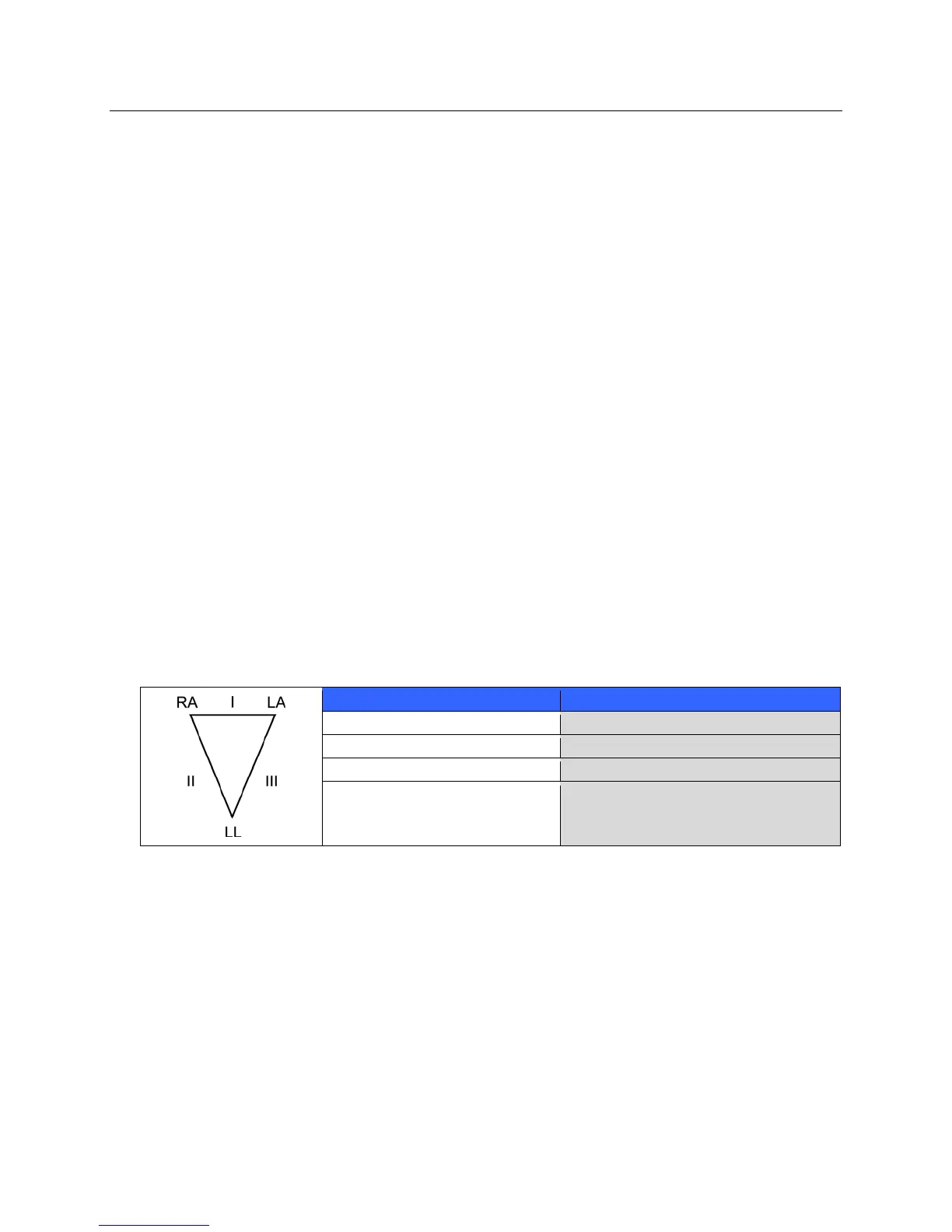
to the following troubleshooting guide based on Einthoven’s Triangle:
Artifact Check Electrode
Lead II and III artifact Poor LL electrode or left leg tremor
Lead I and II artifact Poor RA electrode or right arm tremor
Lead I and III artifact Poor LA electrode or left arm tremor
V Leads Re-prep site & replace electrode
Press ECG. The real-time ECG view is then replaced with the acquired ECG view. The default real-time ECG
view is not available in the acquired ECG view for navigation purposes.
NOTE: New LCD label functions are available in the acquired ECG view.
NOTE: Functions are not available during acquisition.



 To Next Page