9
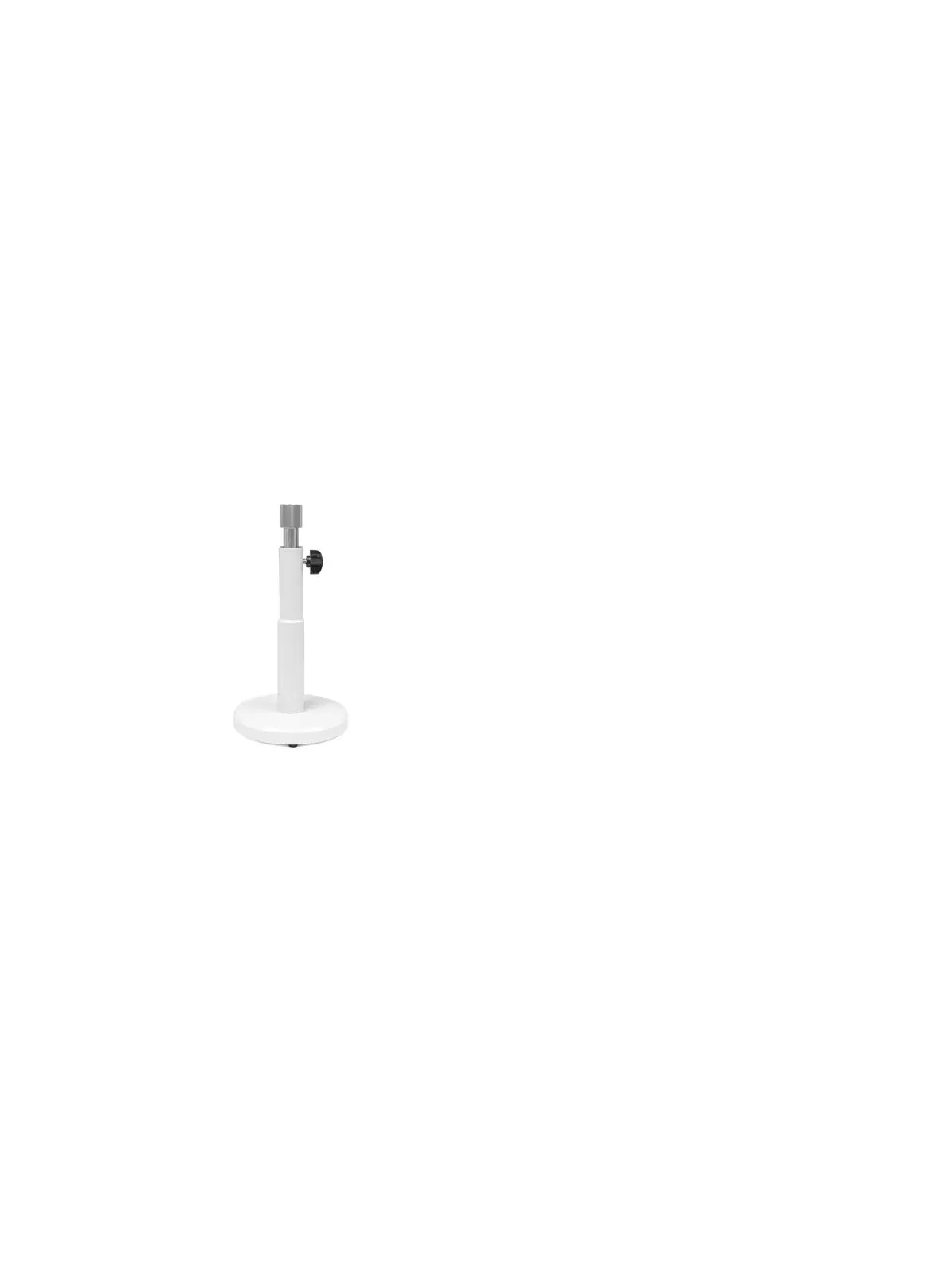
Step 3. Support Stand
Adjust the height of the support stand to ensure the main head and the sub-
observation head are horizontal when attached.
Release the height adjustment clamp knob, and let the centre rod float up with the aid
of the built-in spring.
Adjust the height of the centre rod to bring the spherical surface of the rod in
coincidence with the spherical base of the sub-observation head.
Tighten the height adjustment clamp knob while maintaining the horizontal
alignment of the sub-observation head.
Tighten the support stand clamp ring to the spherical base of sub-observation head
Step 4. Binocular Tube Sub-Observation Head
Mount the Binocular tube on the sub-observation head and fasten in position using the
eyepiece clamp screw.
Step 5. Trinocular / Binocular Tube Main Observation Head
Mount the Trinocular / Binocular tube on the Main observation head and fasten it in
position, using eyepiece clamp screw.
Step 6. Input Plug for the Arrow Illuminator
Step 7. AC Adapter
Connect the AC adapter output jack plug to input jack socket on the left side of the
main observation head
Plug AC adapter into the power source receptacle



 To Next Page