. PROGRAMMING . PROGRAMMING
EXTENDED MENU EXTENDED MENU
• PGM. AUT. | FOLLOW ME
• T. MOT | PROGRAMMING TRANSMITTERS AT DISTANCE
With a programmed pause time, you can activate the "Follow Me" option. With this
option enabled, whenever the photocells detect the passage of a user / object, the
control board triggers the closing maneuver after 5 seconds.
The control board is supplied by the manufacturer with the function disabled.
This function allows you to program new transmitters without access directly to the
control board, by using another already programmed transmitter to open the memory.
The control board is supplied by the manufacturer with the function disabled.
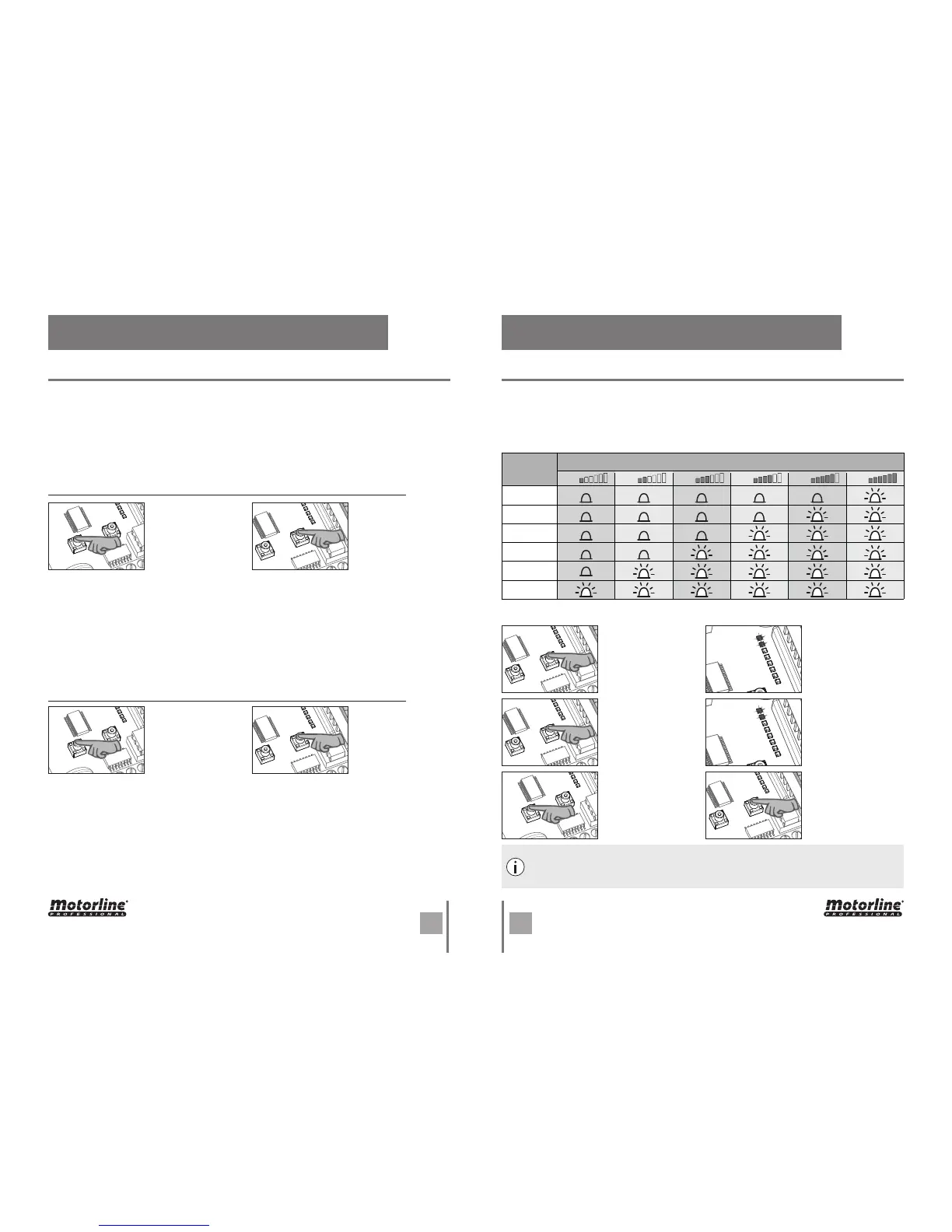
01 • Enter the Extended Menu 1 (see "EXTENDED MENU 1 ACCESS" on page 10B).
01 • Enter the Extended Menu 1 (see "EXTENDED MENU 1 ACCESS" on page 10B).
Enable (LED ON) / Disable (LED OFF) function:
Program the idle force/speed through the Extended Menu 2:
Enable (LED ON) / Disable (LED OFF) function:
Programming transmitter at distance:
01 • Press the button of an already programmed transmitter for 11seg, controlling with a
clock, to open the control board's memory (when the memory opens, you hear a signal
through the flashing light).
02 • Press the new transmitter key for 1 second, to program it.
NOTE: If a new key is not pressed, after 10 seconds, the control board closes the memory.
The Extended Menu 2 allows you to program the motor's force/speed during the slowdown
phase (idling). The control board has 6 different levels of force/speed, represented by
the combination of lit LEDs, as indicated in the table below.
The control board is supplied by the manufacturer with the power set at level 3.
01 • Continuously
press the SET button
for 5 seconds to
activate the Extended
Menu 1.
03 • Press again the
SET key for 5 seconds.
05 • Now press
the SEL button
repeatedly to select
the desired level of
force.
02 • The LEDs T.MOT.
PED and T.PAUSA will
flash simultaneously.
04 • The T.M OT.
PED and T.PAUSA
LEDs stop flashing
alternately and
start flashing
simultaneously.
06 • Press the SET key
once, to selected that
option.
02 • Press SEL button
the times necessary
until the PGM. AUT.
LED starts to flash.
03 • Press once SET
button to activate
/ deactivate the
function.
04 • The
PGM. AUT. LED on means that the function is active and the LED off means that the
function is disabled.
02 • Press SEL button
the times necessary
until the T.MOT. LED
starts to flash.
03 • Press once SET
button to activate
/ deactivate the
function.
04 • The
T.MOT. LED on means that the function is active and the LED off means that the
function is disabled.
After entering the Extended Menu 2 , you have 30 seconds to select any function
of this menu (using the SEL and SET keys). After 30 seconds without pressing any
button, the control board returns to the main menu.
1
CODE
CODE PED
INB.CMD.AP
L.CORT
PGM.AUTO
T.MOT
Force Level
2 3 4
5 6
LEDS

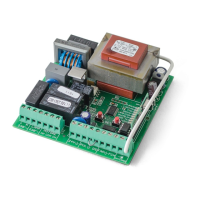

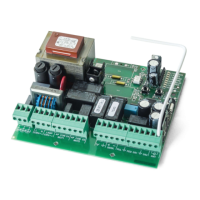
 To Next Page