● Charge a new battery for more than five hours before initial use for best performance.
Batteries charge best at room temperature.
NOTE: Charging using the USB-C connector takes approximately 30 % time longer than
charging using SUC.
3.2
Attaching the Battery
Procedure:
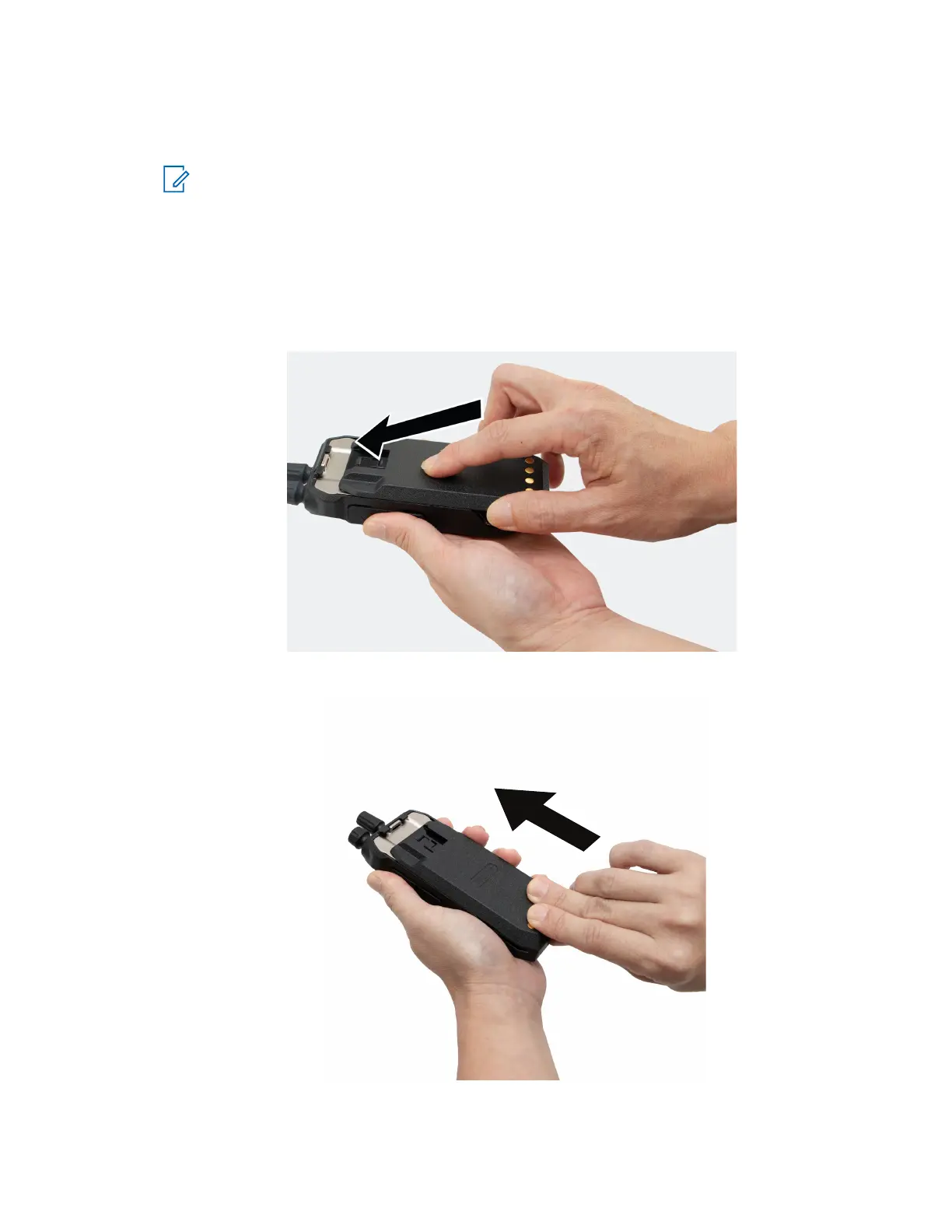
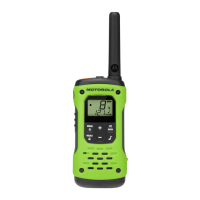
1. Align the battery with the rails on the back of the radio.
2. Press the battery firmly and slide upwards till the latch snaps into place.
MN010576A01-AA
Chapter 3: Getting Started
13







 To Next Page