3.7
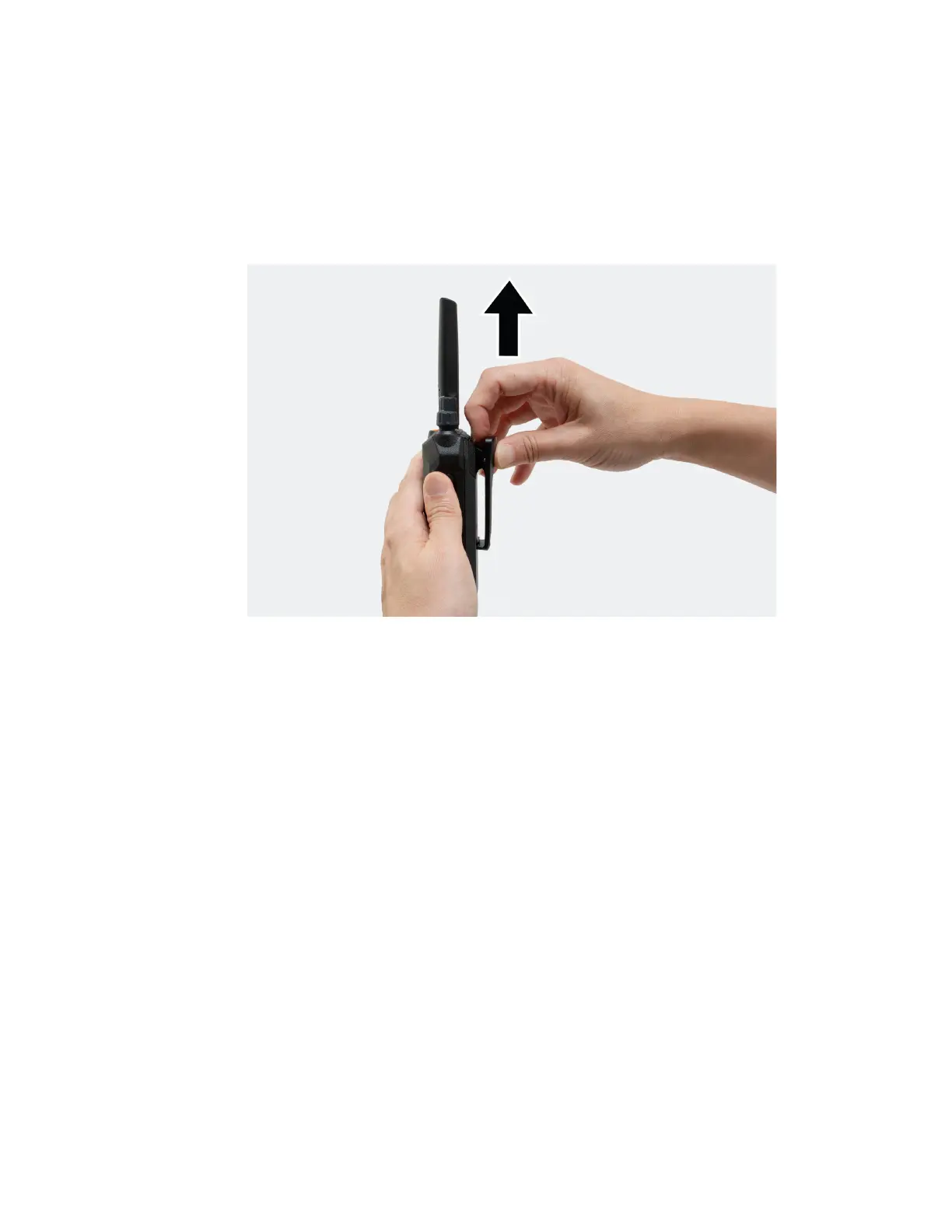
Removing the Belt Clip
Procedure:
1. To remove the clip, press the belt clip tab away from the battery.
2. Slide the clip upwards and away from the radio.
3.8
Opening the Dust Cover
Dust cover prevents dust, water stains, and other foreign bodies from entering, damaging the radio, and
blocking the jack and the USB-C connector.
Procedure:
Open the dust cover by pulling the cover out.
MN010576A01-AA
Chapter 3: Getting Started
17







 To Next Page