Camera 25
ENGLISH
Android™
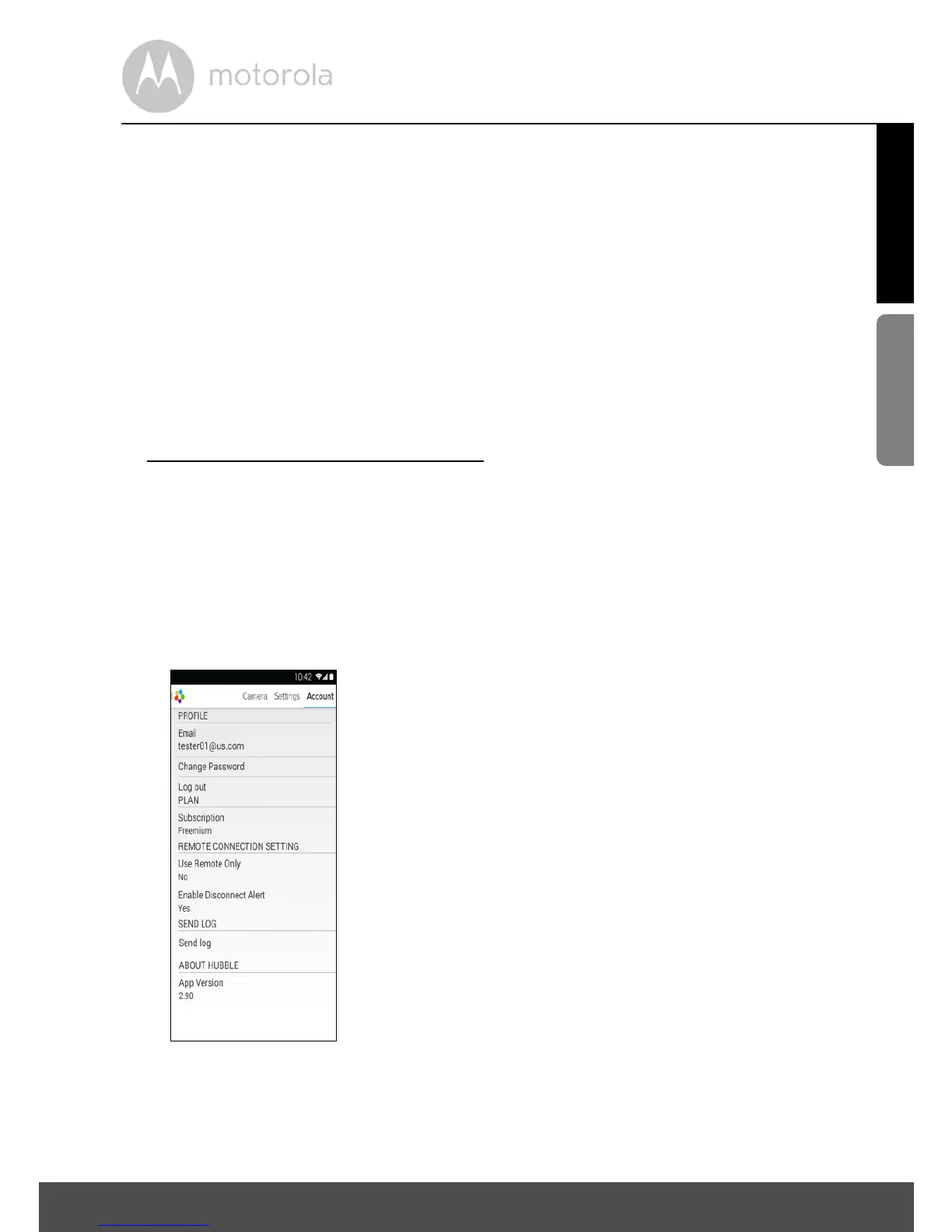
4.2.3 Change your Account Information
You can change the account information using your Android™ device.
• Tap Account on the General page, the Account Settings will appear on
screen. (Picture A17)
• Tap on Change Password to change your password and follow the
instructions.
• Tap on Log Out to leave the account.
• Tap on Freemium plan, and you will be brought to the Cloud Video
Recording Service. To obtain more information, please visit our website
http://www.hubbleconnected.com
.
• Tap on Use to access Remote Connection Setting , use Remote Only by
Selecting Ye s .
• Enable Disconnect Alert provides a beep alert when there is a
disconnection. Enable the disconnect Alert by selecting Ye s .
• Tap on Send Log to send your Hubble App report to our server via e-mail;
this should be sent if requested by a customer service agent.



 To Next Page
 Loading...







