36 Camera
4.3.5 General settings
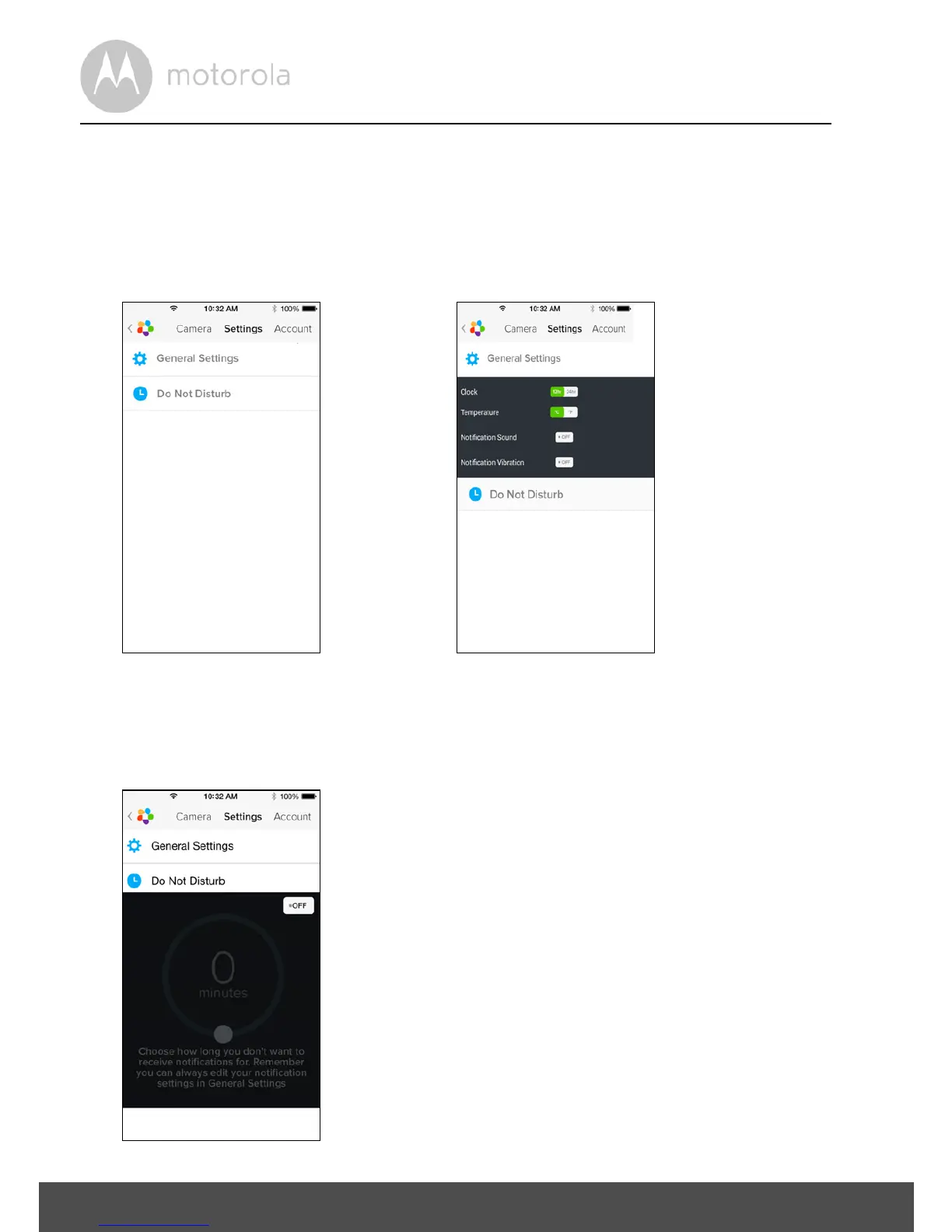
• Tap Settings on the General page. (Picture i23)
• Tap on General Settings to change the format for Clock (12hr/24hr) &
Te m p e r at u r e (°C / °F) and activate Notification Sound or Vibration. (Picture
i24)
• Tap on Do Not Disturb, set the timer to the desired time and select ON, the
Camera will not send any sound or alert to your iPhone
®
/iPad
®
for the
duration of your setting. (Picture i25)



 To Next Page
 Loading...







