Operating the MC50 2 - 3
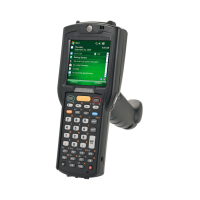
Navigation Keypad
The navigation keypad contains application keys, navigation keys, and an Enter key. See Table 2-1 for
descriptions of the keypad.
Figure 2-2
Navigation Configuration
Table 2-1
Navigation Keypad Actions
Key Action
App 1 - App 4
The App keys can be assigned to an application. Refer to the Microsoft
Applications for Windows Mobile and CE 5.0 User Guide for information on
setting key assignments. Defaults are:
App1: Tasks
App2: Calendar
App3: Contacts
App4: Notes
Navigation/Enter Keys
Press the right, left, top, or bottom of the navigation key to move the cursor
on the screen.
Press the center to enter a selection.



 To Next Page
 Loading...