Setting Up a USB Driver in Windows 2000, continued
Introduction Before You Begin Installation & Configuration FAQ
Troubleshooting
Glossary
License
SB5100 Series Cable Modem User Guide 19
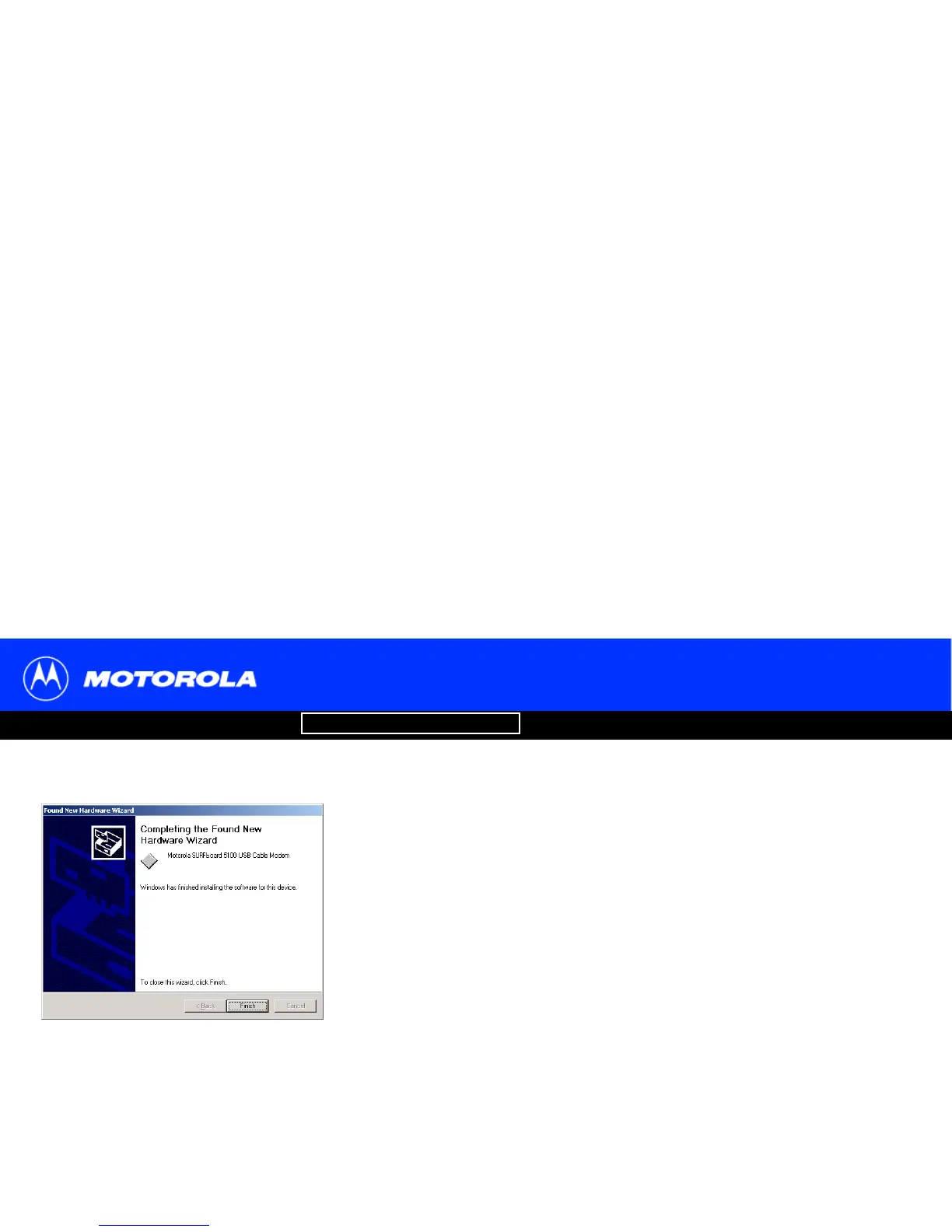
12 Click Finish to complete the installation.
When you finish setting up the USB driver, you can continue with “Configuring TCP/IP in
Windows 2000” on page 26.
If you have any difficulties setting up the USB driver, perform “Removing the USB Driver
from Windows 2000” on page 47 and repeat this procedure.



 To Next Page
 Loading...








