4
4. Configuring Intelligent RS-485
In this chapter, we describe the use of the “Auto-Tuning” and “Diagnosis” tools, supported by Moxa's
Intelligent RS-485 boards, to tune your RS-485 network. The Auto-Tuning tool tests your RS-485 network
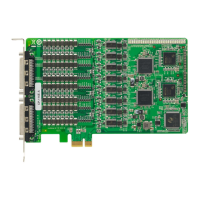
and then configures certain Moxa boards (CP-118E-A-I, CP-138E-A-I, CP-134EL-A-I, and CP-116E-A)
automatically. The Diagnosis tool can tell you how to manually configure other Moxa boards, as well as non-
Moxa boards. We use the CP-116E-A board to demonstrate how to use the Intelligent RS-485 tools for
Windows 7/8/8.1.
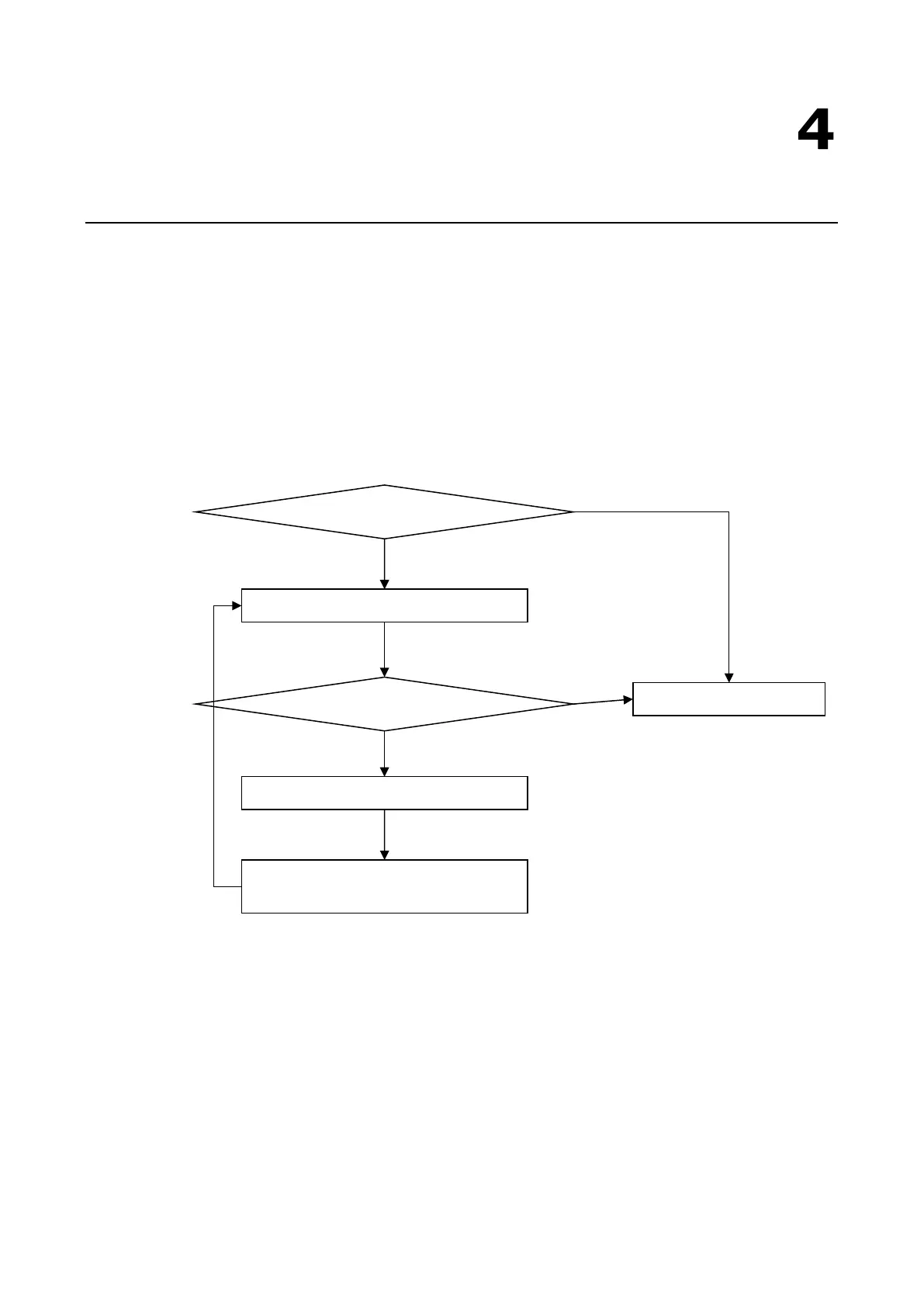
The basic procedure you should follow is illustrated in the following workflow diagram:
The following topics are covered in this chapter:
Windows Users
Linux Users
Use the “Auto-Tuning” tool.
Use the “Diagnosis” tool.
Adjust non-Moxa devices based on the
Diagnosis tool’s “Status” readout.
Yes


 To Next Page
 Loading...