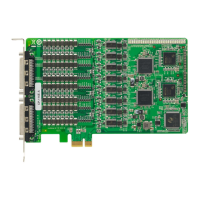
PCI Express Boards Configuring Intelligent RS-485
Linux Users
Take the following steps to configure the Intelligent RS-485 function.
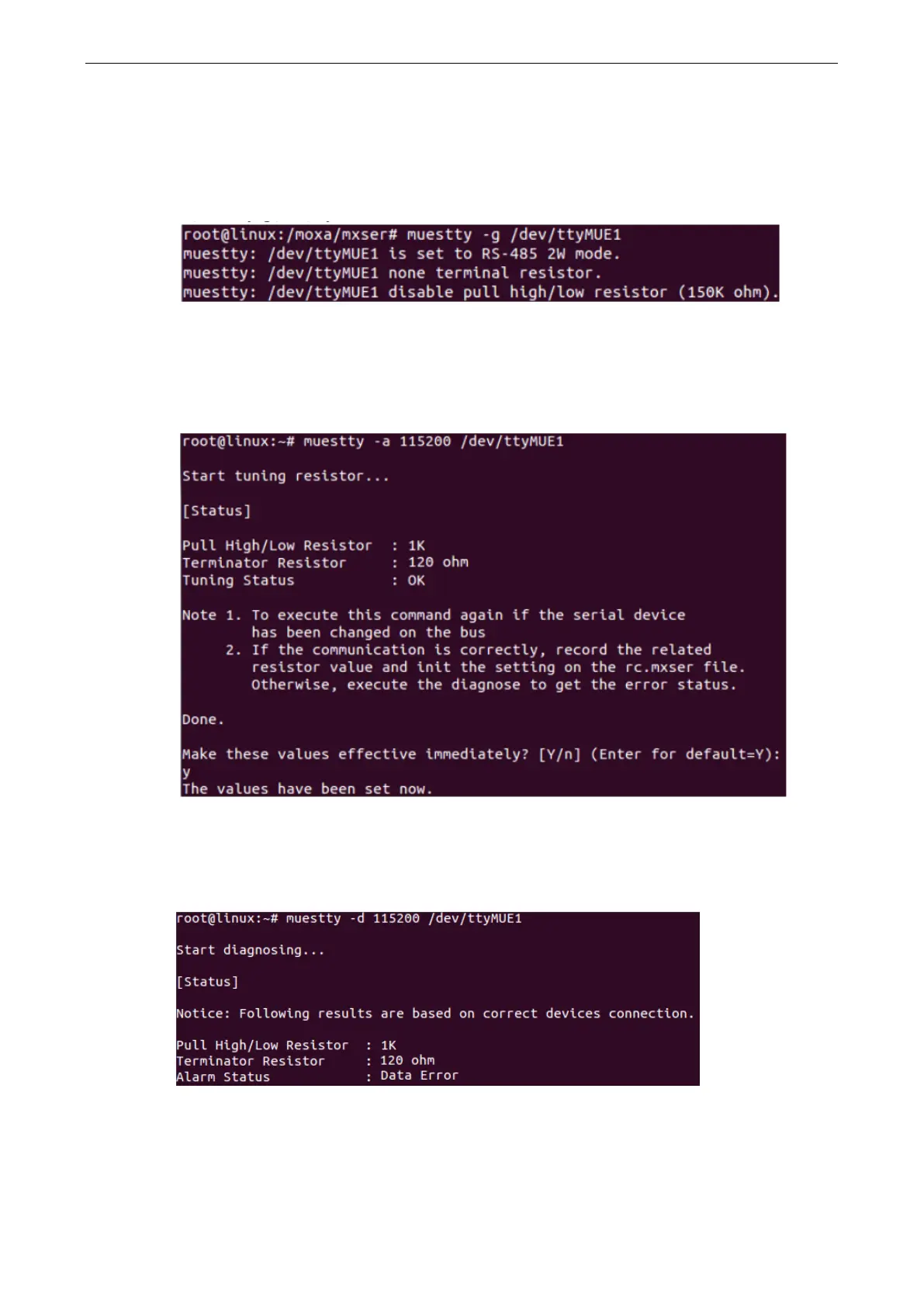
1. Use the following command to do the configuration.
#./muestty -g /dev/ttyMUE1
2. Test if the communication is OK. If it’s OK, nothing further needs to be done. If it’s not OK, proceed with
Step 3.
3. Use the following command for the Auto-Tuning process. Enter “Y” to make the value effective
immediately.
#./muestty -a (baud rate value) /dev/ttyMUE1
4. Test if the communication is OK. If it’s OK, nothing further needs to be done. If it’s not OK, proceed with
Step 5.
5. Use the following command to run diagnosis.
#./muestty -d (baud rate value) /dev/ttyMUE1


 To Next Page
 Loading...