UC-8410A HW UM Hardware Connection Description
Connecting to the Console Port
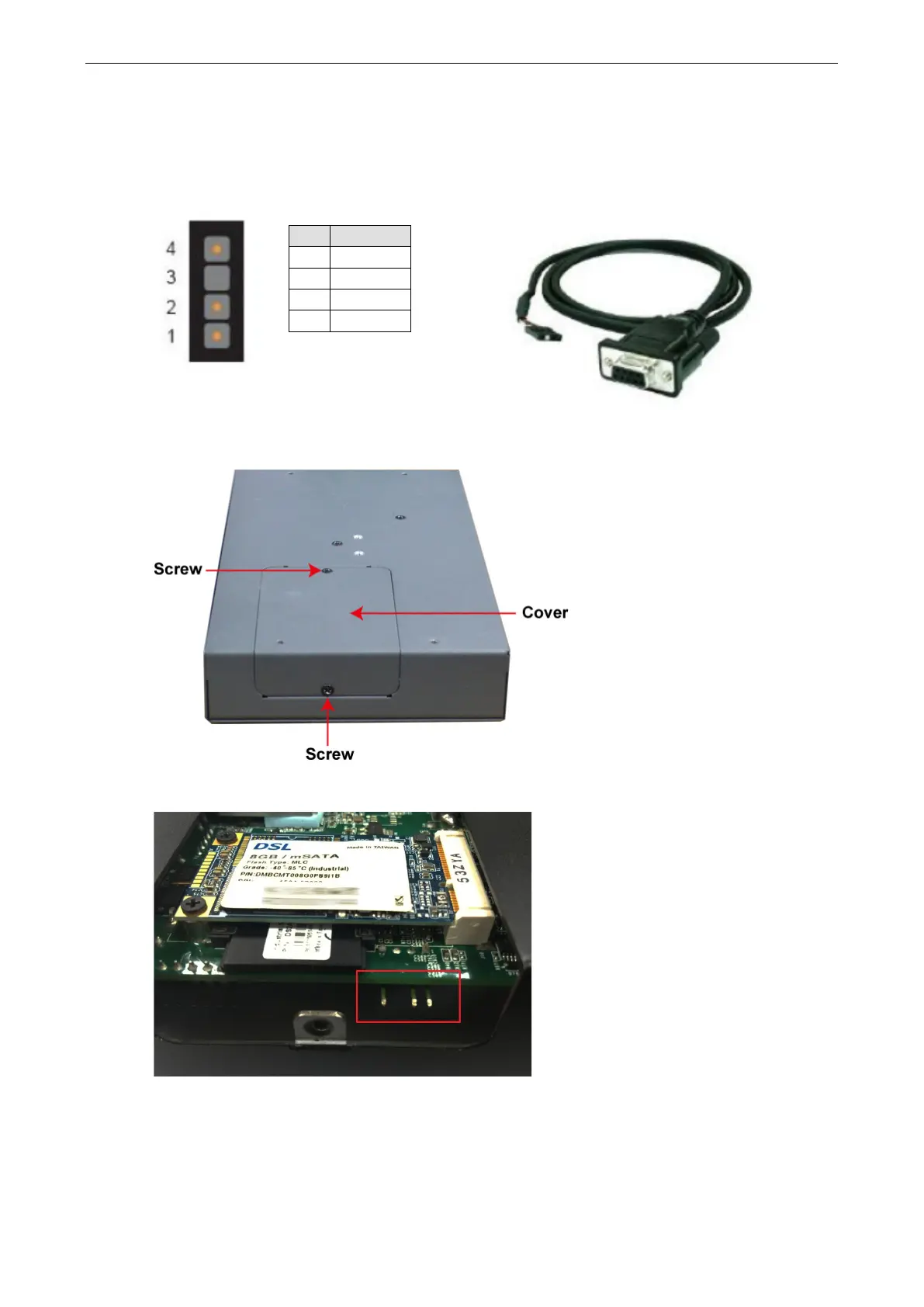
The UC-8410A’s console port is a 4-pin pin header RS-232 port. Refer to the following figure for the pin
assignments of the console port cable:
Console Port and Pinouts Serial Console Cable
Pin Signal
1 TxD
2 RxD
3 NC
4 GND
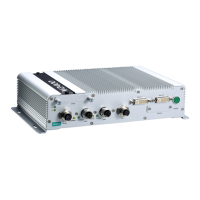
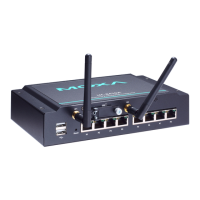
The console port is located below the mSATA/SD socket. Use a screwdriver to remove the two screws holding
the cover to the embedded computer’s housing.
Refer to the following figure for the location of the console port.


 To Next Page