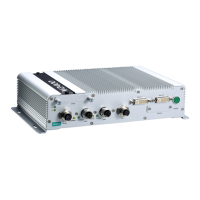
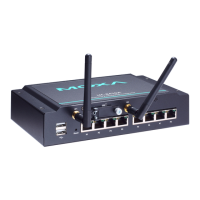
UC-8410A HW UM Appearance and Dimensions
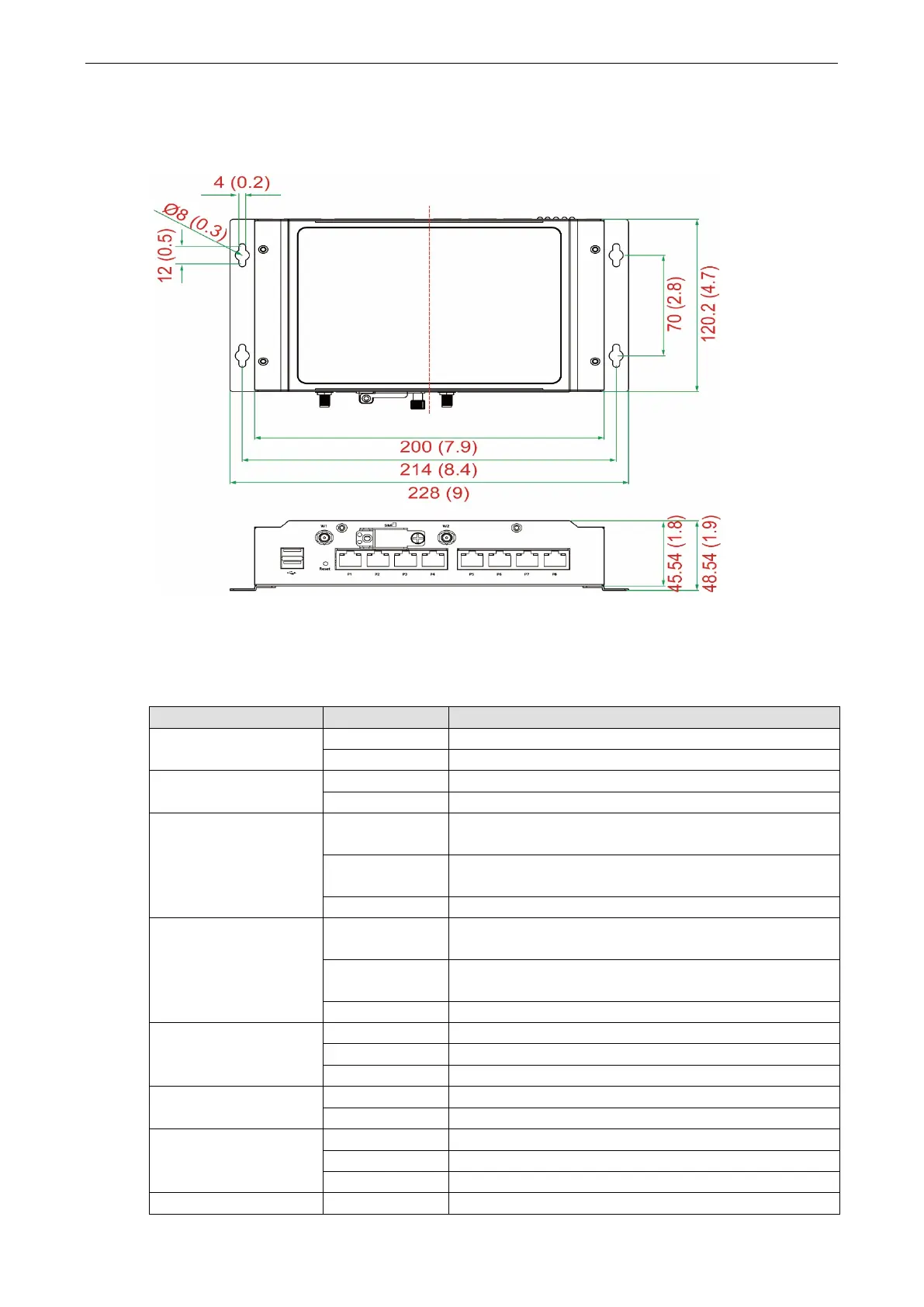
Dimensions
Unit: mm (inch)
LED Indicators
Refer to the following table for information about the LEDs:
Power Green Power is on
Off No power input or any other power error
Ready
Off OS boot up failure or other system initialization error
WAN Yellow Steady On: 1000 Mbps Ethernet link
Blinking: Data transmission is in progress
Green Steady On: 100 Mbps Ethernet link
Blinking: Data transmission is in progress
Off Speed at 10 Mbps or WAN is not connected
LAN Yellow Steady On: 1000 Mbps Ethernet link
Blinking: Data transmission is in progress
Green Steady On: 100 Mbps Ethernet link
Blinking: Data transmission is in progress
Off Speed at 10 Mbps or LAN is not connected
Serial Green Blinking: Data transmission is in progress
Yellow Blinking: Receiving Data
Off No operation
Storage Yellow Blinking: Access to SD card or mSATA module
Off The SD card or the mSATA module is not accessible.
Programmable
Green Programmable
Green Programmable
The number of glowing LEDs indicate the wireless signal


 To Next Page