7 Setup Web Server Security
7.1 Login to the FieldServer
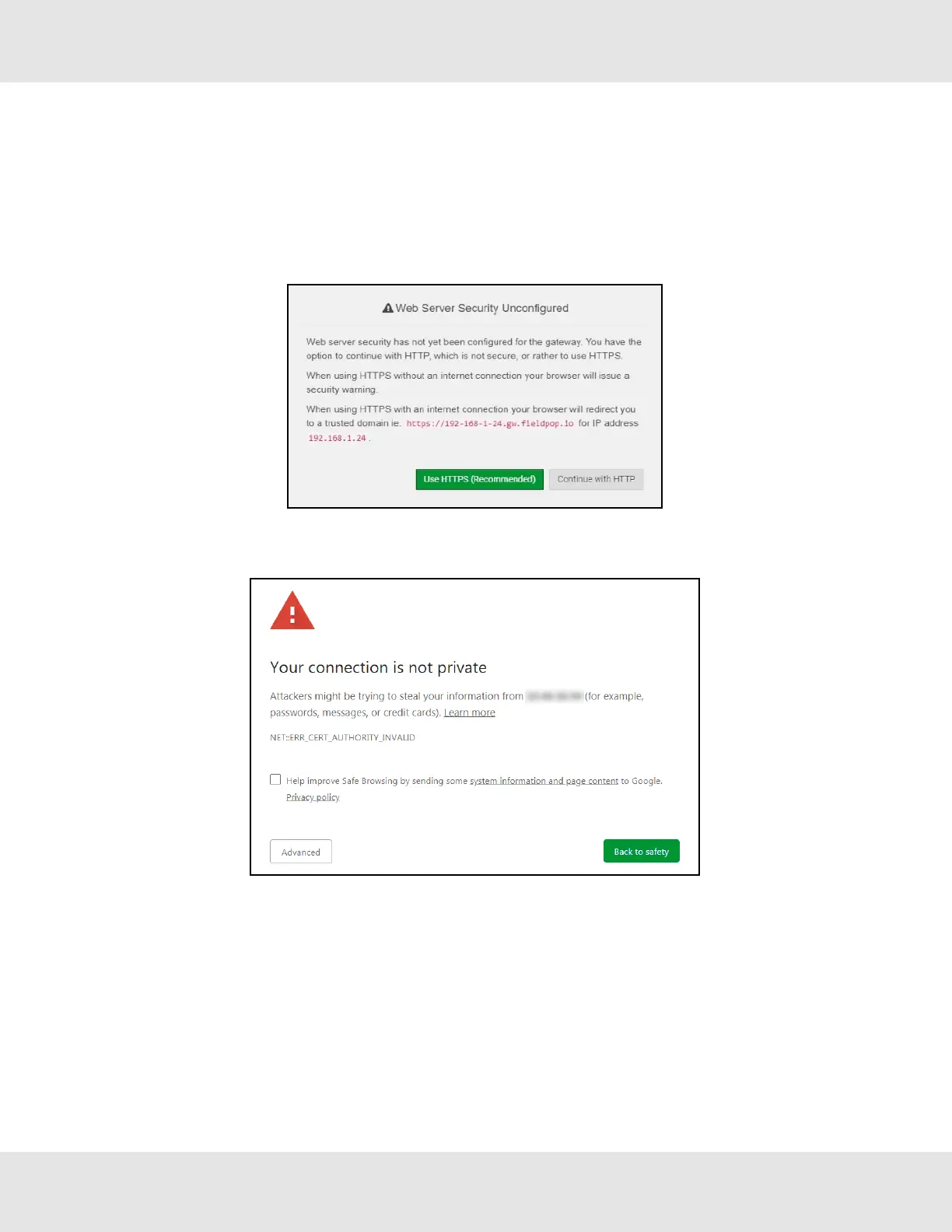
The first time the FieldServer GUI is opened in a browser, the IP Address for the gateway will appear as untrusted. This will
cause the following pop-up windows to appear.
• When the Web Server Security Unconfigured window appears, read the text and choose whether to move forward
with HTTPS or HTTP.
• When the warning that “Your connection is not private” appears, click the advanced button on the bottom left corner of
the screen.
ProtoNode Start-up Guide 20



 To Next Page