2 Equipment Setup
2.1 Mounting
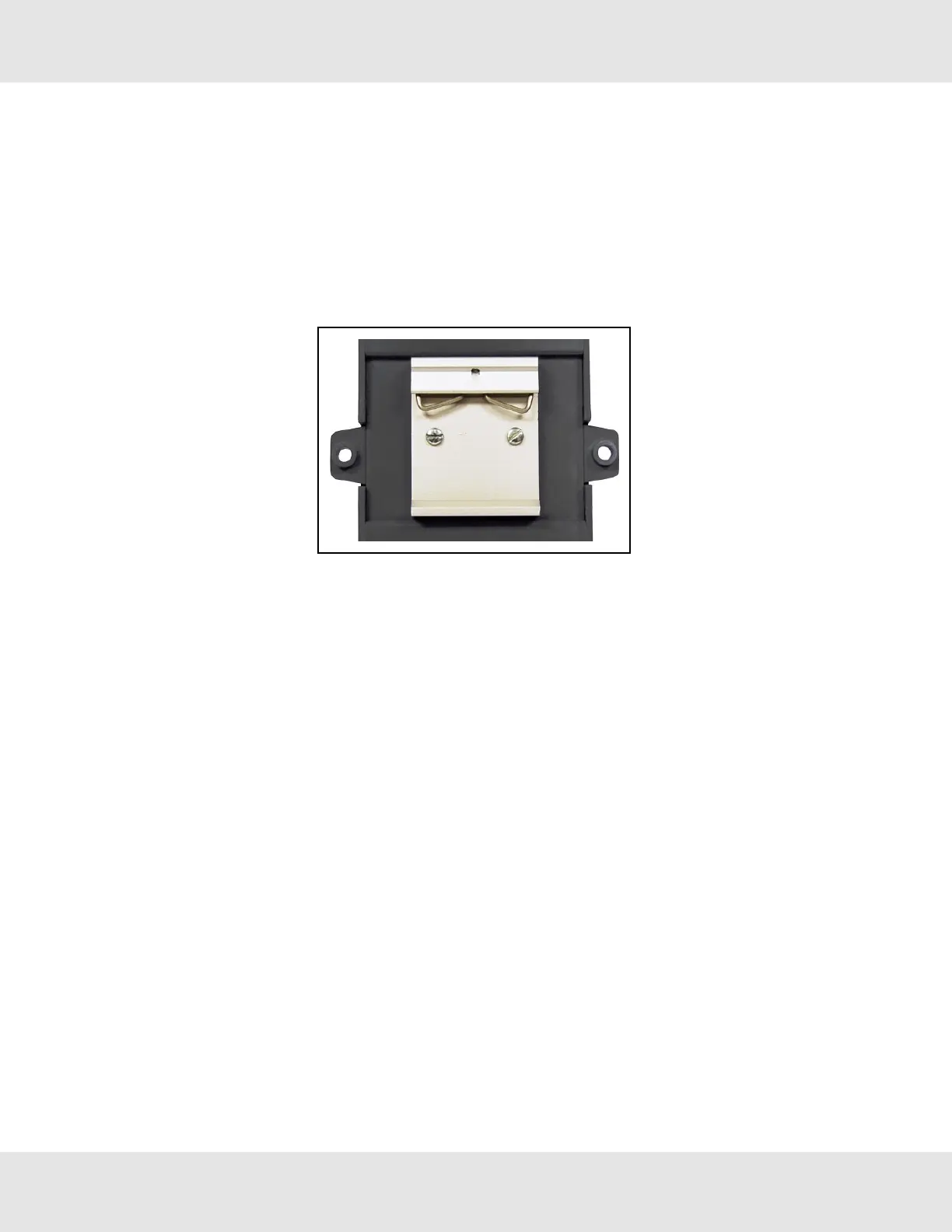
The following mounting options are available:
• Product comes with tabs for wall or surface mount. These can be snapped off if not required.
NOTE: The tab has a hole that is .169” diameter. Use the appropriate size of screw for mounting.
• DIN rail mounting bracket – Included in the accessory kit or ordered separately
(part # FS-8915-35-QS).
WARNING: Install only as instructed, failure to follow the installation guidelines or using screws without the DIN
rail mounting bracket could result in permanent damage to the product. If the FieldServer is removed from the
DIN rail, use the original screws to reattach. Only screws supplied by MSA Safety should be used in the holes
found on the back of the unit when attaching the optional DIN Rail bracket. USE OF ANY OTHER SCREWS
MAY DAMAGE THE UNIT.
ProtoNode Start-up Guide 6



 To Next Page