CHAPTER 2 HARDWARE INSTALLATION
2-6
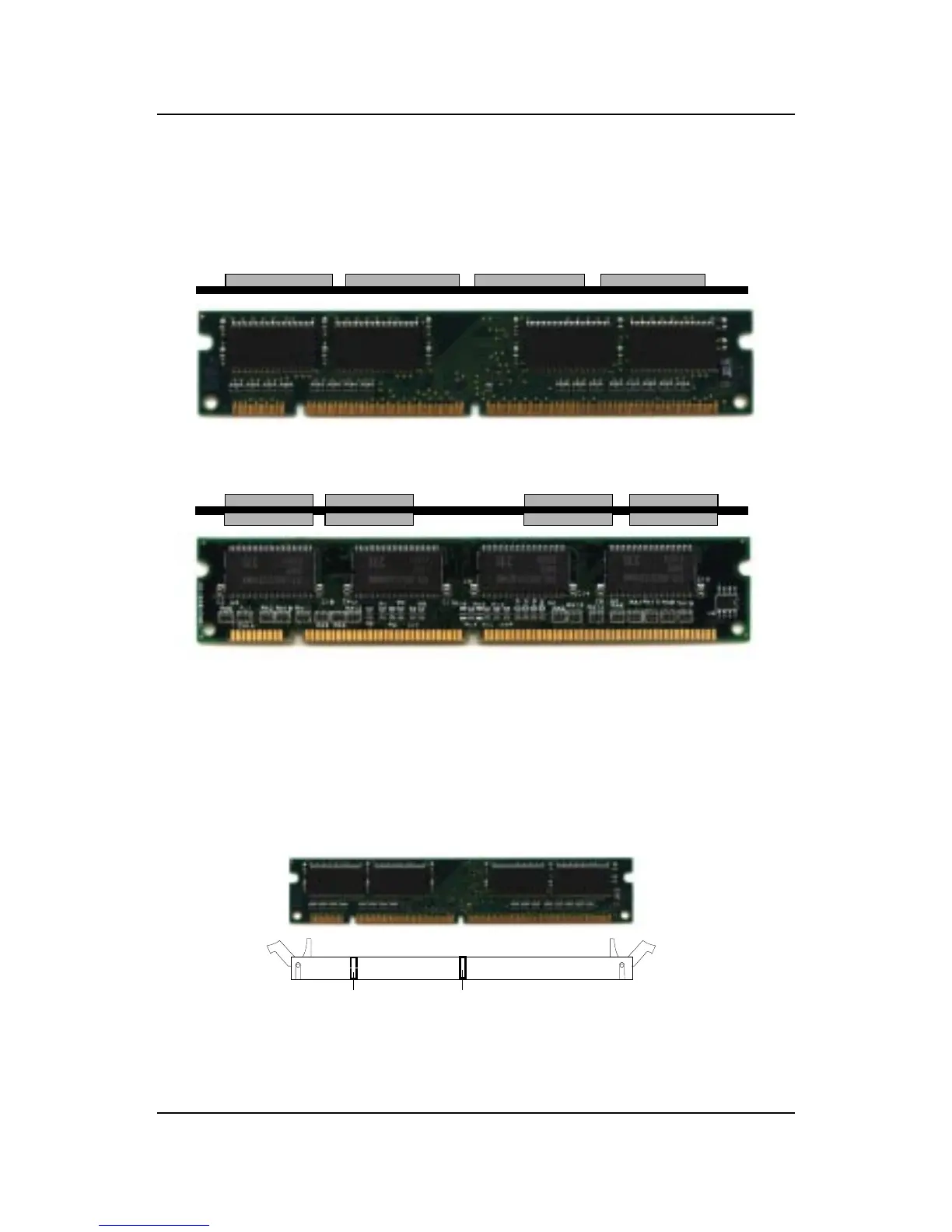
A. How to install a DIMM Module
1. The DIMM slot has 2 Notch Keys “VOLT and DRAM”, so the
DIMM memory module can only fit in one direction.
2. Insert the DIMM memory module vertically into the DIMM slot.
Then push it in.
3. The plastic clip at the side of the DIMM slot will automatically
close.
Single Sided DIMM
Double Sided DIMM
VOLTDRAM
••
••
• Memory Installation Procedures



 To Next Page