CHAPTER 3
AMI
®
BIOS USERS GUIDE
3-16
PNP/PCI Configuration
1. Press <ENTER> on “PNP/PCI Configuration” of the main menu
screen.
2. Use <Up> and <Down> to choose the item and <PgUp> and
<PgDn> keys to modify the highlighted item.
3. After you have finished with the PNP/PCI Configuration, press
<ESC> to go back to the main menu.
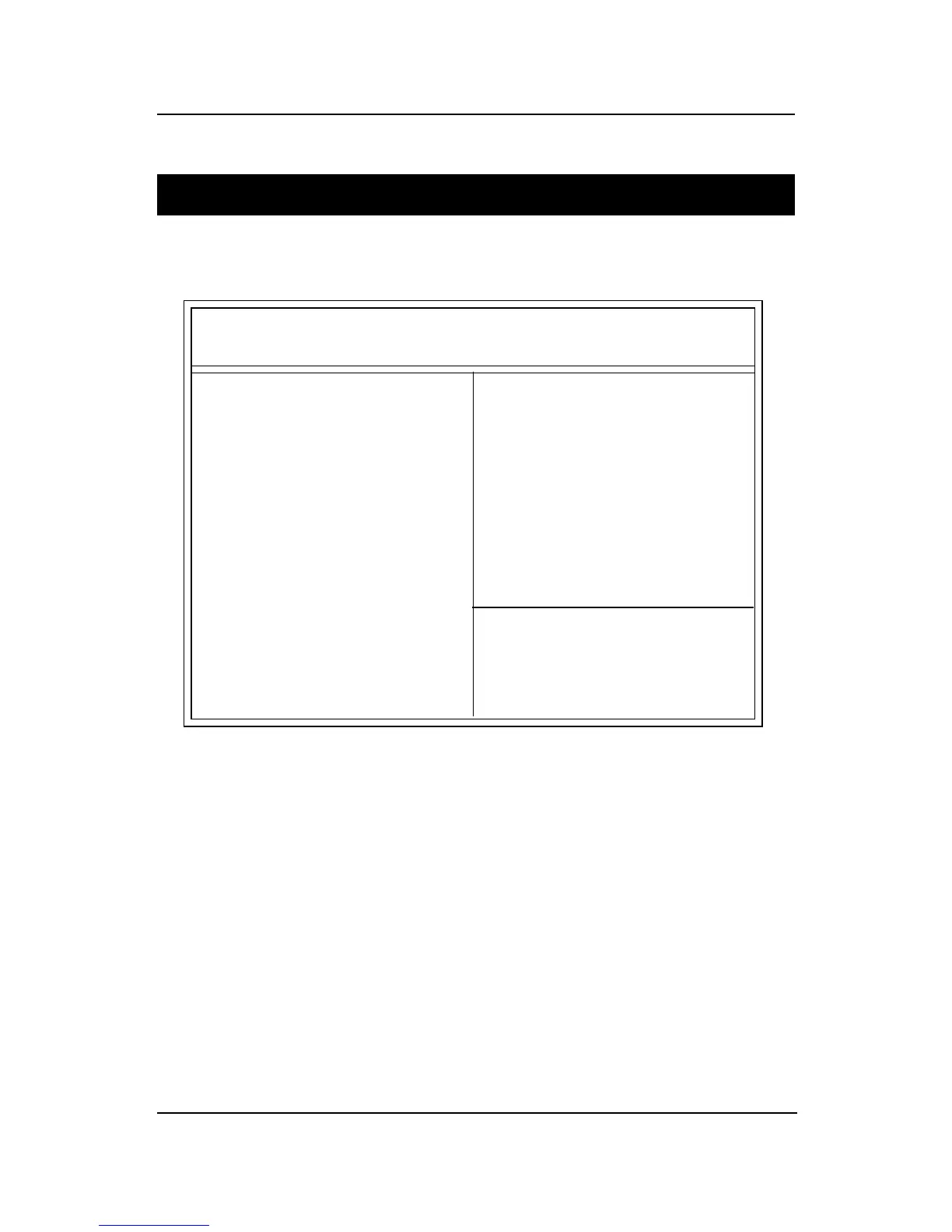
AMIBIOS SETUP - PNP/PCI CONFIGURATION
(C) 1999 American Megatrends, Inc. All Rights Reserved
ESC:Exit
F1 :Help
F5 :Old Values
F6 :Load BIOS Defaults
F7 :Load Setup Defauls
↑ ↓ → ←↑ ↓ → ←
↑ ↓ → ←↑ ↓ → ←
↑ ↓ → ← :Select Item
PU/PD/+/-:Modify
(Shift)F2:Color
PnP Aware O/S :No
Clear NVRAM :No
PCI Latency Timer :64
Primary Graphics Adapter :PCI
PCI VGA Palette Snoop :Disabled
DMA Channel 0 :PnP
DMA Channel 1 :PnP
DMA Channel 3 :PnP
DMA Channel 5 :PnP
DMA Channel 6 :PnP
DMA Channel 7 :PnP
IRQ3 :PCI/PnP
IRQ4 :PCI/PnP
IRQ5 :PCI/PnP
IRQ7 :PCI/PnP
IRQ9 :PCI/PnP
IRQ10 :PCI/PnP
IRQ11 :PCI/PnP
IRQ14 :PCI/PnP
IRQ15 :PCI/PnP



 To Next Page