CHAPTER 3
AMI
®
BIOS USERS GUIDE
3-4
2. Use <Up> and <Down> to choose the item and <PgUp> and
<PgDn> keys to modify the highlighted item.
3. After you have finished with the Standard CMOS Setup, press
<ESC> to go back to the main menu.
Standard CMOS Setup
1. Press <ENTER> on “Standard CMOS Setup” of the main menu
screen .
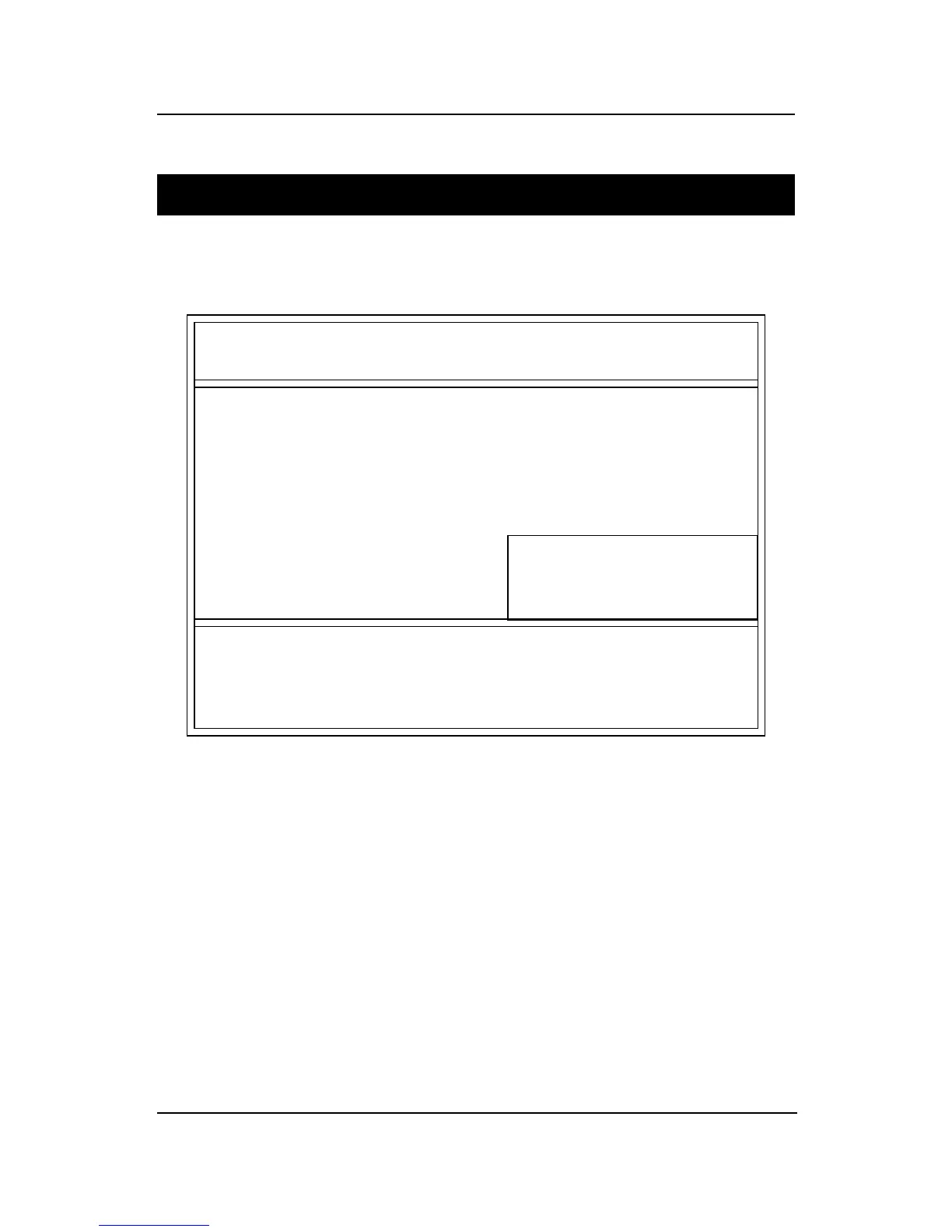
AMIBIOS SETUP - STANDARD CMOS SETUP
(C)1999 American Megatrends,Inc.All Rights Reserved
Date (mm/dd/yyyy): Fri Oct 29, 1999
Time (hh/mm/ss): 17:09:25
Type Size CYLS HEAD PRECOMP LANDZ SECTOR MODE
Pri Master :Auto
Pri Slave :Auto
Sec Master :Auto
Sec Slave :Auto
Floppy Drive A: 1.44 MB 3 1/2
Floppy Drive B: Not Installed
Boot Sector Virus Protection Disabled
ESC:Exit
↑↓↑↓
↑↓↑↓
↑↓:Select Item
PU/PD/+/-:Modify
(Shift)F2:Color
Available Options:
Disabled
Enabled
Base Memory : 0 Kb
Other Memory : 384 Kb
Extended Memory : 0 Mb
Total Memory : 1 Mb



 To Next Page