CHAPTER 2 HARDWARE INSTALLATION
2-13
••
••
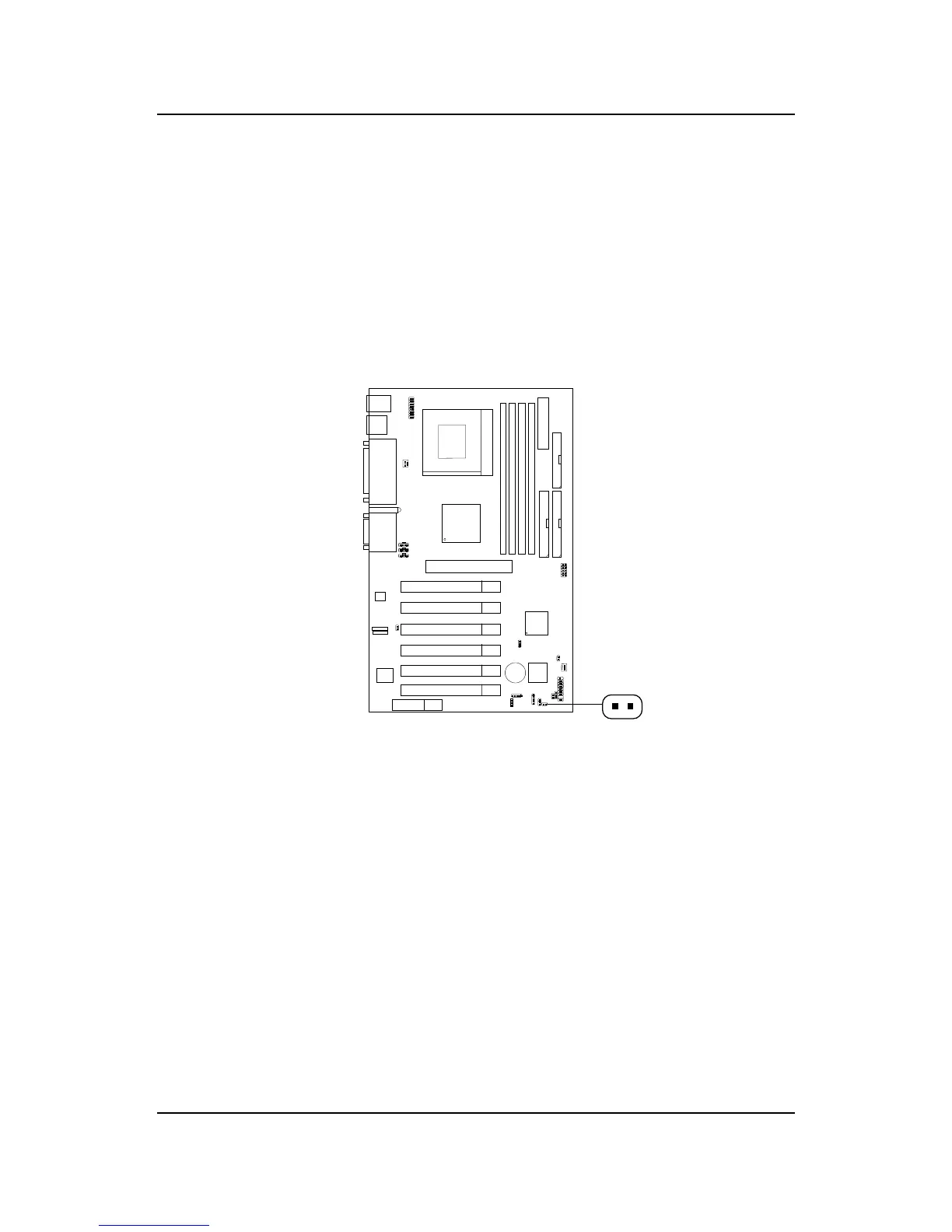
• Remote Power On/Off Switch: JRMS1
Connect to a 2-pin push button switch. During OFF state, press once and
the system turns on. During ON stage, push once and the system goes to
sleep mode: pushing it more than 4 seconds will change its status from ON
to OFF. If you want to change the setup, you could go to the BIOS Power
Management Setup. This is used for ATX type power supply only.
JRMS1



 To Next Page