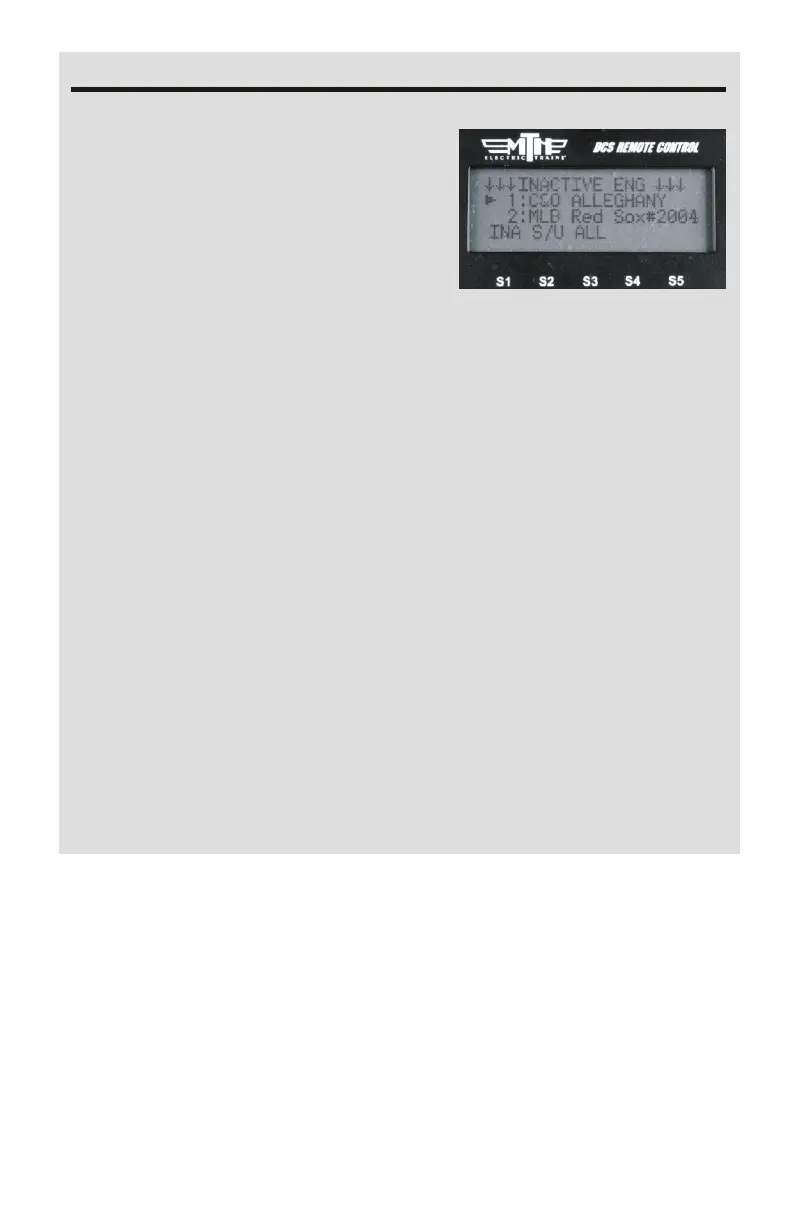
If you want to control any of the
individual engines that make up a
TMCC lash-up you can go into the
Inactive Engine list and select the
engine, this will make it Active. Scroll
up to the Active engine list and select
the engine, press Start-Up and now
you have full control of that TMCC
engine
When adding/deleting a TMCC lash-up ensure you have track power
applied and the TIU-TMCC cable connected as well as the track
connection from the TMCC Command Base connected to the outer
rail of the track.
When TMCC lash-ups are created they are placed at DCS locations 91-
99. Should an engine exist at one or more of those locations the
remote will place the TMCC lash-up in the next available position. If
all positions are taken up (91-99) then you will need to move one or
more of the engines at 91-99 to allow room for your lash-up. Just like
TMCC engines, your TMCC lash-ups will not operate under ALL
mode
You cannot add or edit TMCC engine addresses to 91-99 as these are
reserved for DCS Proto-Sound 2.0 engines and TMCC lash-ups. You
are free to add or edit TMCC engines to addresses 1-90.
13
Notes



 To Next Page