28
www.multilaser.com.br
2.2 Boot and shutdown
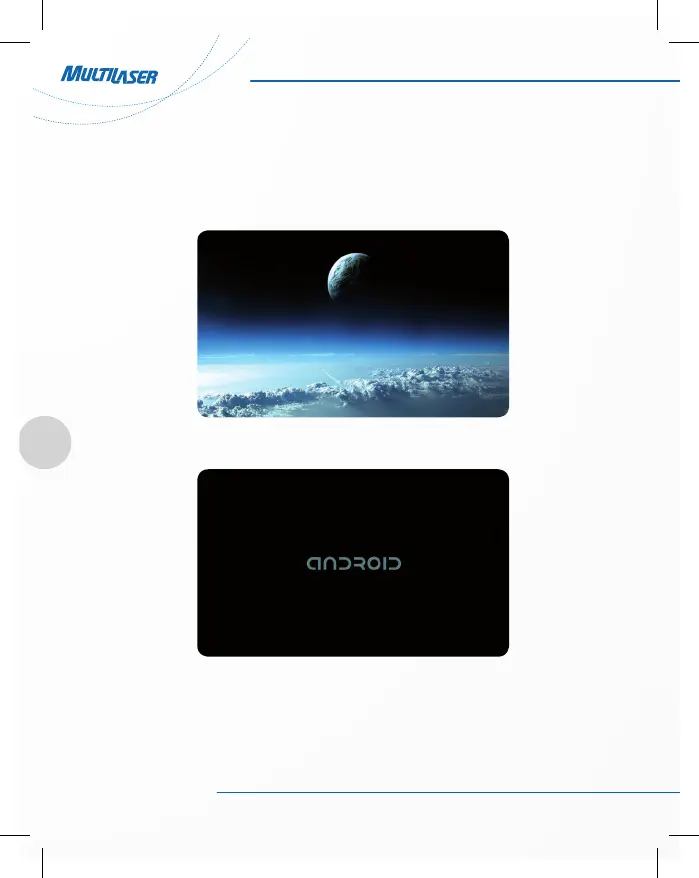
Boot: press and hold the power button, the system will enter the boot process, as follows:
. Boot logo startup
System has been started, entering the Android system:
The system enters the default home interface.
Shutdown: press the power button, pop-up device options, select Shut Down.
Click OK, you can safely shut down.



 To Next Page