Multilaser Elite
39
4.5.2 Uninstall applications
Pitch on the item “Settings - Applications -Management Applications”, select the appropriate application has
been installed, click the applications which you need to uninstall.
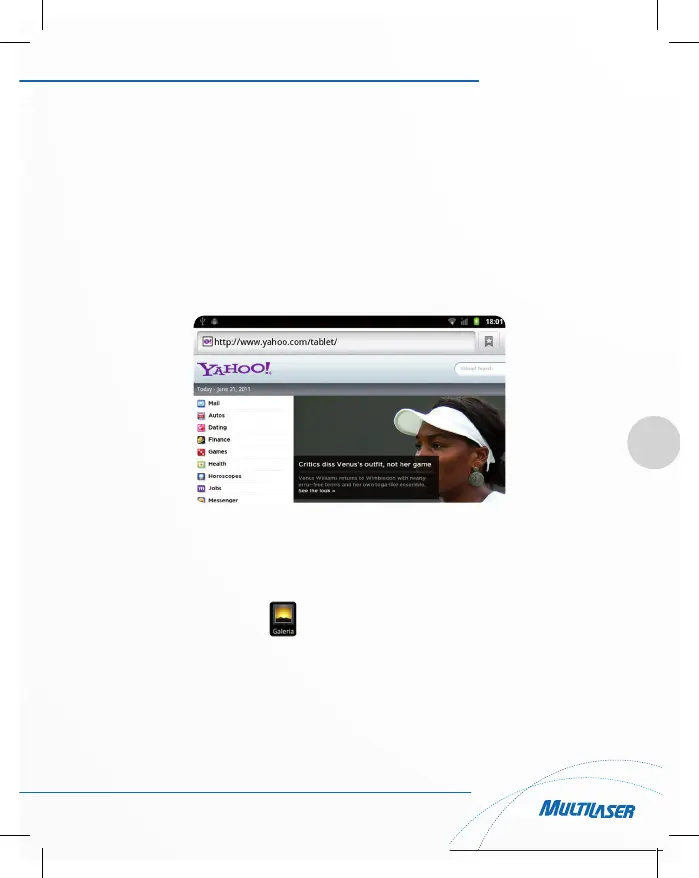
4.6 Browser
When the network connected, open the Web browser enter the URL, you can quickly browse the Web; or
through the main desktop search bar enter the URL, open the web page.
4.7 Video player
• Online video: The product supports flash 10.2 online video playback, you can also watch online video via
Youtube client;
• Local video: Click the gallery icon , the Gallery can loading new albums and photos automatically
which stored in local disk or micro SD card, then select the videos to playback



 To Next Page