Multilaser Elite
33
4.2 Display settings
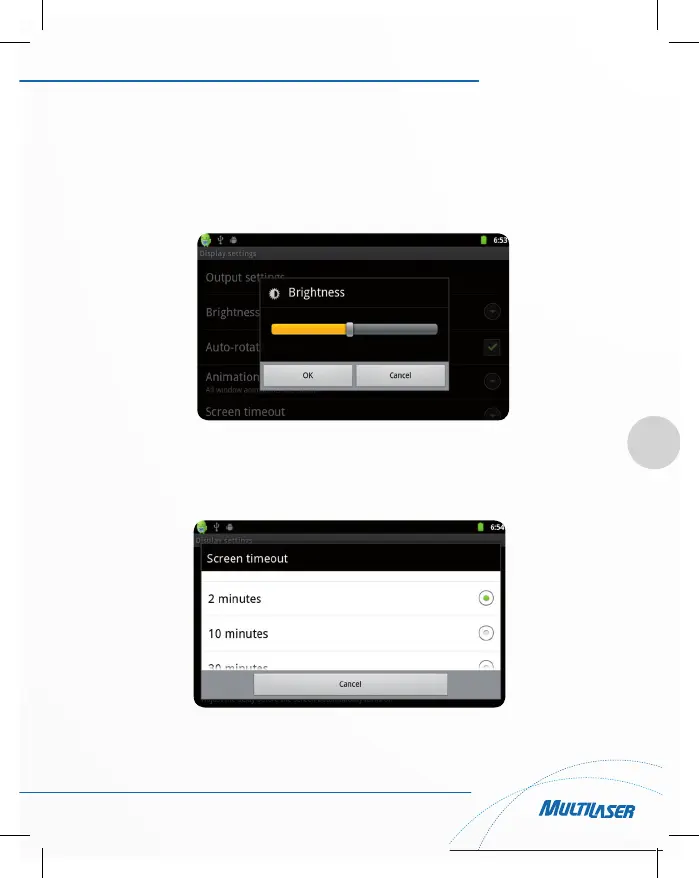
In the settings interface choose “Display” to enter the display settings interface, select “Brightness”, pull the
progress bar to adjust the brightness ,as below interface:
Clickscreen timeout, adjust the delay before the screen automatically turns off. When screen is turns off, press
power key to wake up.
When display “Screen locked” interface, follow the prompts to unlock it.



 To Next Page