Multilaser Elite
45
5.1 Using specialized tools for the PC upgrade
Upgrade files include: *.rom and *.img.
Upgrade process is as follows (in windows XP).
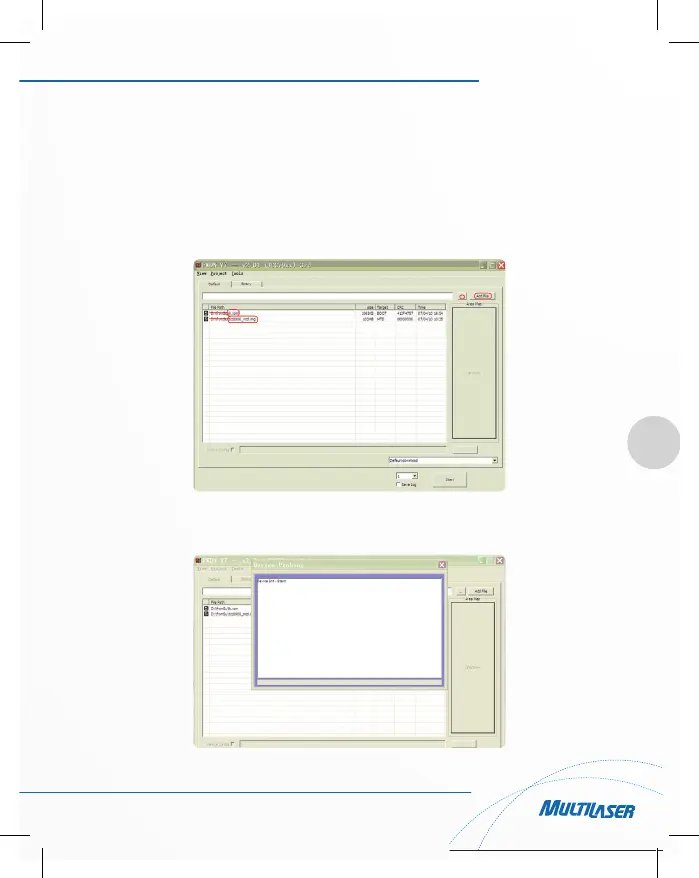
1) In the PC side running the upgrade tool FWDN (If prompted to install drivers, install the driver FWDN direc-
tory), add upgrade files “*.rom and *.img” to the FilePath list, as shown below:
2) Please press the power key and back key at the same time, then use the USB cable to connect PC and
device. PC-side FWDN program interface appears as follows:



 To Next Page