Multilaser Elite
37
4.5 Applications install and uninstall
4.5.1 Install applications
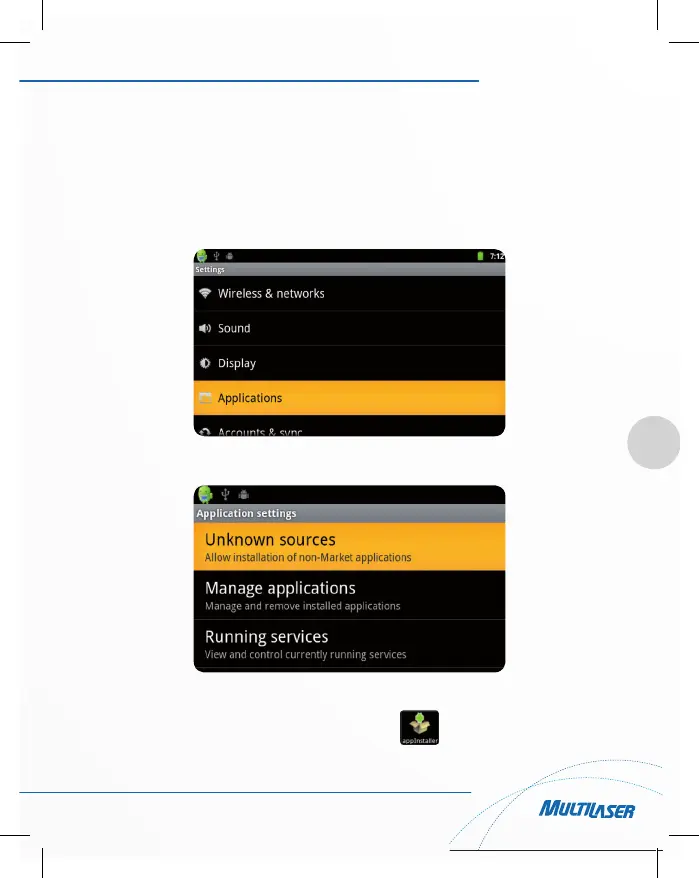
1) Click the Settings and enter to applications. As shown below:
2) Click “Unknown Sources”, then click “OK”, As shown below:
3) Copy the APK installer software to Micro SD or NAND FLASH.
In the main applications menu, click the “appInstaller” icon:



 To Next Page