40
www.multilaser.com.br
4.8 Music player
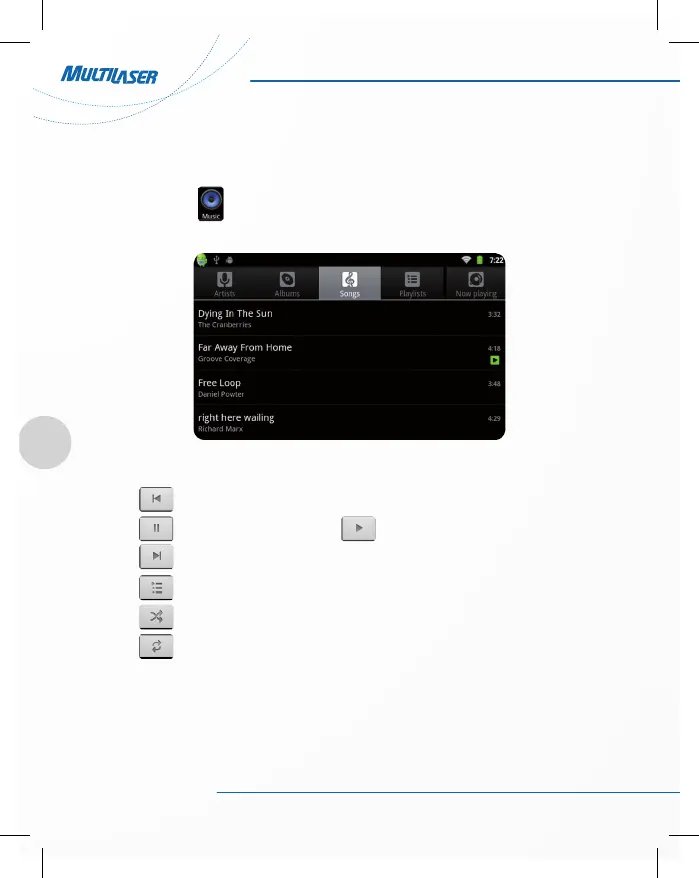
Click the music icon , you can enter the music player interface. Here lists the system default user data
area of all audio files. As shown below:
• Click the music files you will enter the player to play music.
• Click : Play the previous music, long press to fast reverse.
• Click : Click it to suspend, the icon turn to , click and return to the normal playing again.
• Click : To play the next song, long press to do function.
• Click : To display the present playing list.
• Click : To select the random playing mode.
• Click : To select the repeat playing mode.



 To Next Page