32
www.multilaser.com.br
Select the appropriate operation of the relevant items, such as: “wireless and network”, “Display”, “date and
time settings”, “about Device”, etc.
4.1 Date and time settings
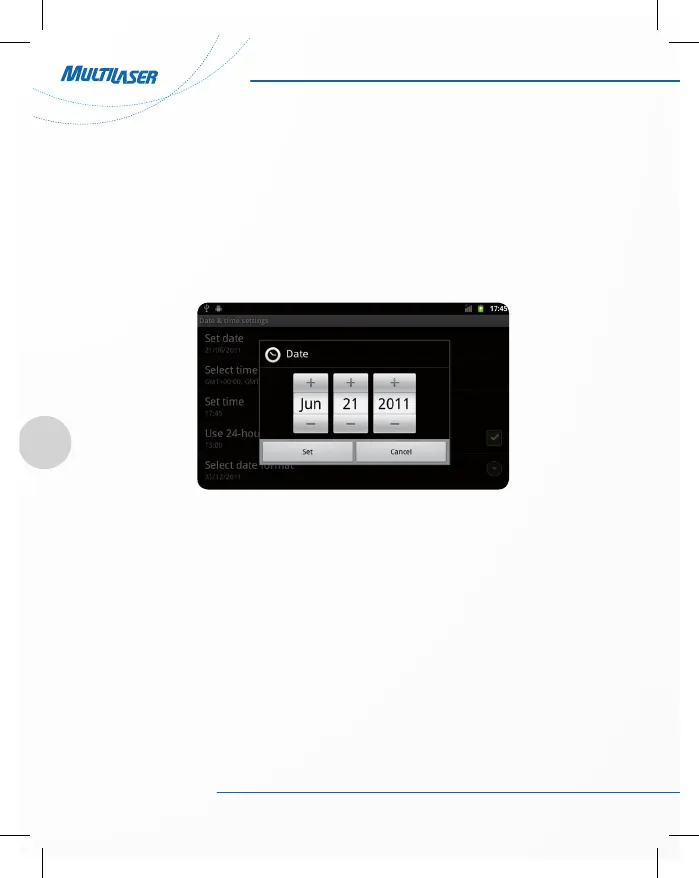
Click “date & time” to enter the date and time settings interface:
• Select to set the date, select the time zone, set the time, time format, date format and other information.
For example, choose to set the date, as follows:
• Select +: that the increase of 1 unit;
• Select -: that the reduction of 1 unit.
Also you can choose the number, enter the input mode. Directly entering the desired number, then click “Done”
to set the Date.



 To Next Page