Multilaser Elite
29
2.3 Connect with PC
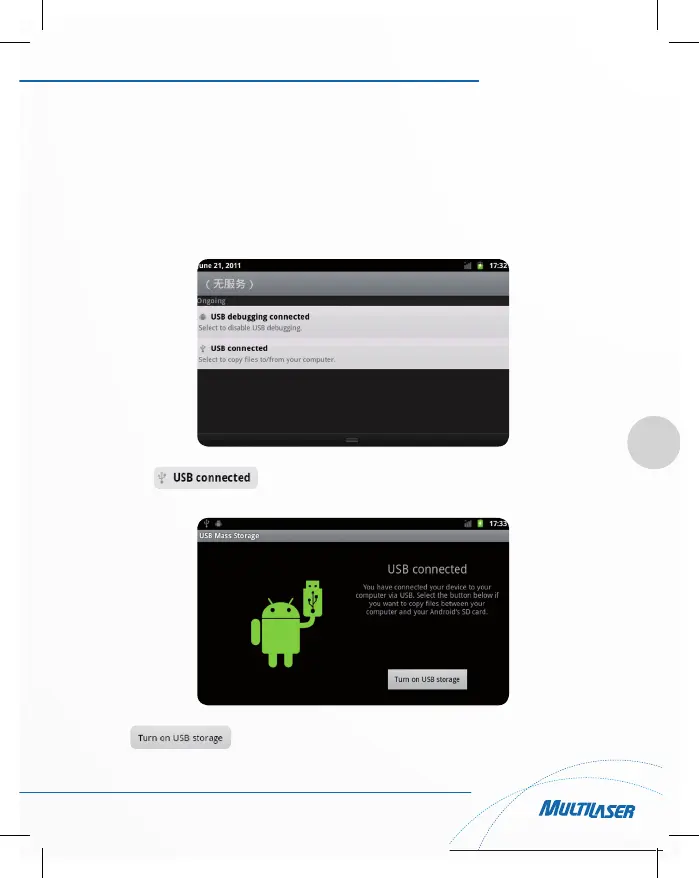
You can connect with PC by mini USB cable attached with the device. USB Data transferring is available. You
can operate the files through the PC.
When your device is connected successfully, to pull down the notification area of the status bar, can see the
following icon:
Then click to enter the next.
Click , then the device can transmission data with PC.



 To Next Page