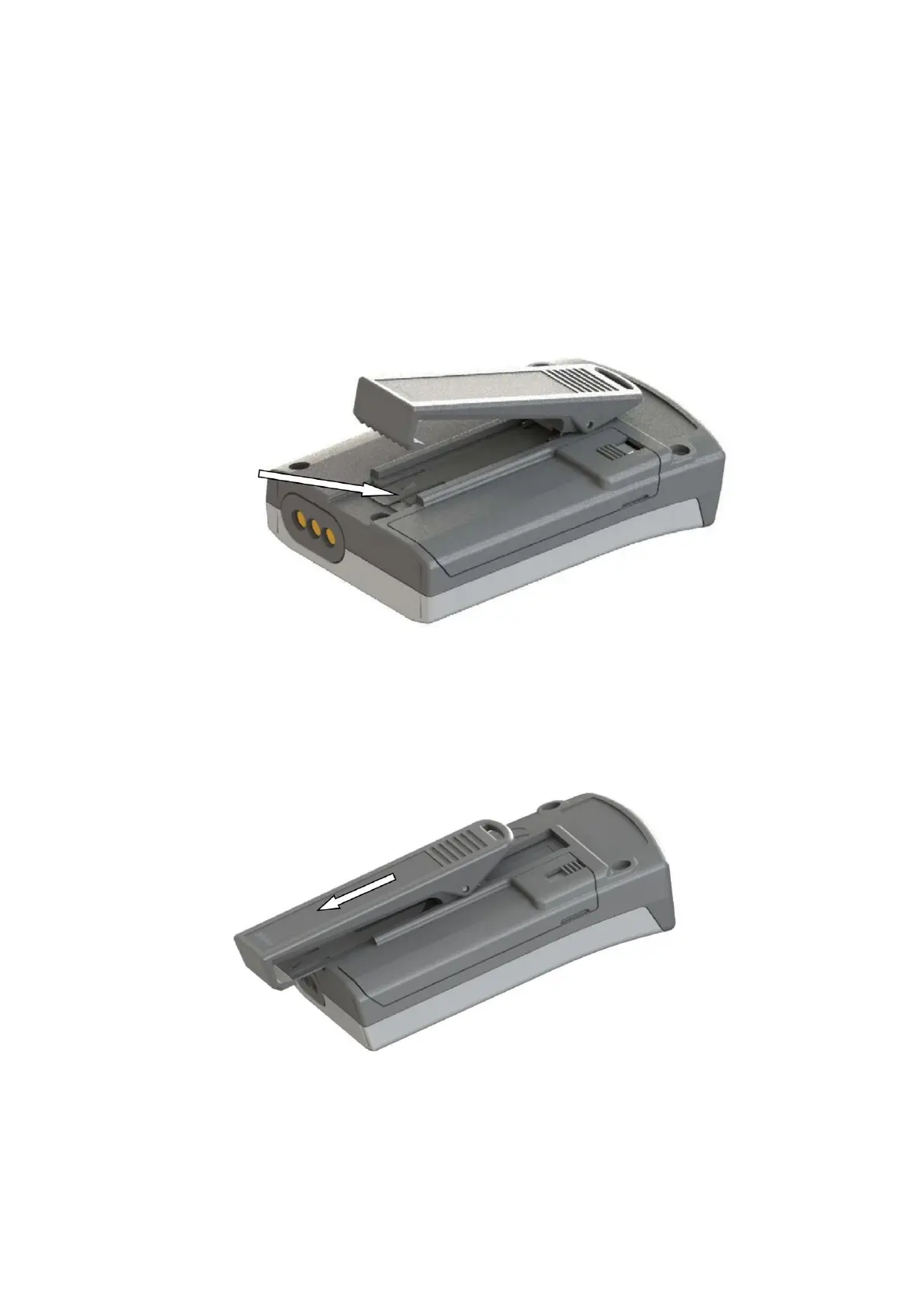
Before attempting to replace the clip, check that the grip
adjustment slider is securely attached to the top of the clip and
that the metal bracket has been straightened. reinsert it
Insert the clip blade tool or similar device under the edge of
the media as indicated by the arrow and lift it from the pager
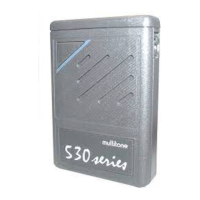
body. Once the stand is removed, gently slide the clip down
the pager until it releases from the main body.
to insert it being careful not to damage the rubber seal.
Once closed, press the flap on its upper end and slide the clasp
into place.
Hold the pager in one hand and open the clip so that the
metal bracket is visible.
15. REMOVE AND REPLACE CLIP
9261 – 9629 Issue 2 20
RPR 950 Series
Machine Translated by Google


 To Next Page