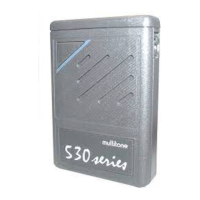
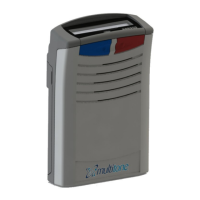
RPR 950 Series
The liquid crystal display (LCD) is an alphanumeric
device that is always in an active state in standby mode and
displays information with the highest priority status (without
backlight). If the time is activated in the options, it is displayed.
Your pager can receive tone, alphanumeric and
voice calls. When you receive a call, the red “alert” light
flashes, then a “call tone” sounds. Additionally, if the option is
selected, the pager can
To turn off your pager, press and hold the MUTE button and
then press and hold the OCR button. The pager goes into
“OFF” sequence and turns off after approximately 2
seconds. If you release and then press one of the two
buttons again, the timeout sequence is extended.
Invert Display: Displayed text can be inverted to suit the
way you wear the pager. To enable this option in the standby
screen, press the OCR button to display the status prompt and
press the MUTE button to invert the display. The new display
orientation remains in the pager's memory even when you turn
off the device until it is reset.
If your pager is programmed with the permanent ON option,
the power-on sequence will automatically
initiate when the battery is installed.
If your pager is programmed to the permanent ON
option, the only way to turn it off is to remove the battery.
7
9261 – 9629 Issue 2
4. TURN OFF
5. DISPLAY OPTIONS
6. RECEIVING A CALL
Machine Translated by Google


 To Next Page