Page
5
of
18
IMC01 Frequently Asked Questions
Version 1.05
2.0. Trouble Shooting
2.1. What are the error codes displayed on the screen?
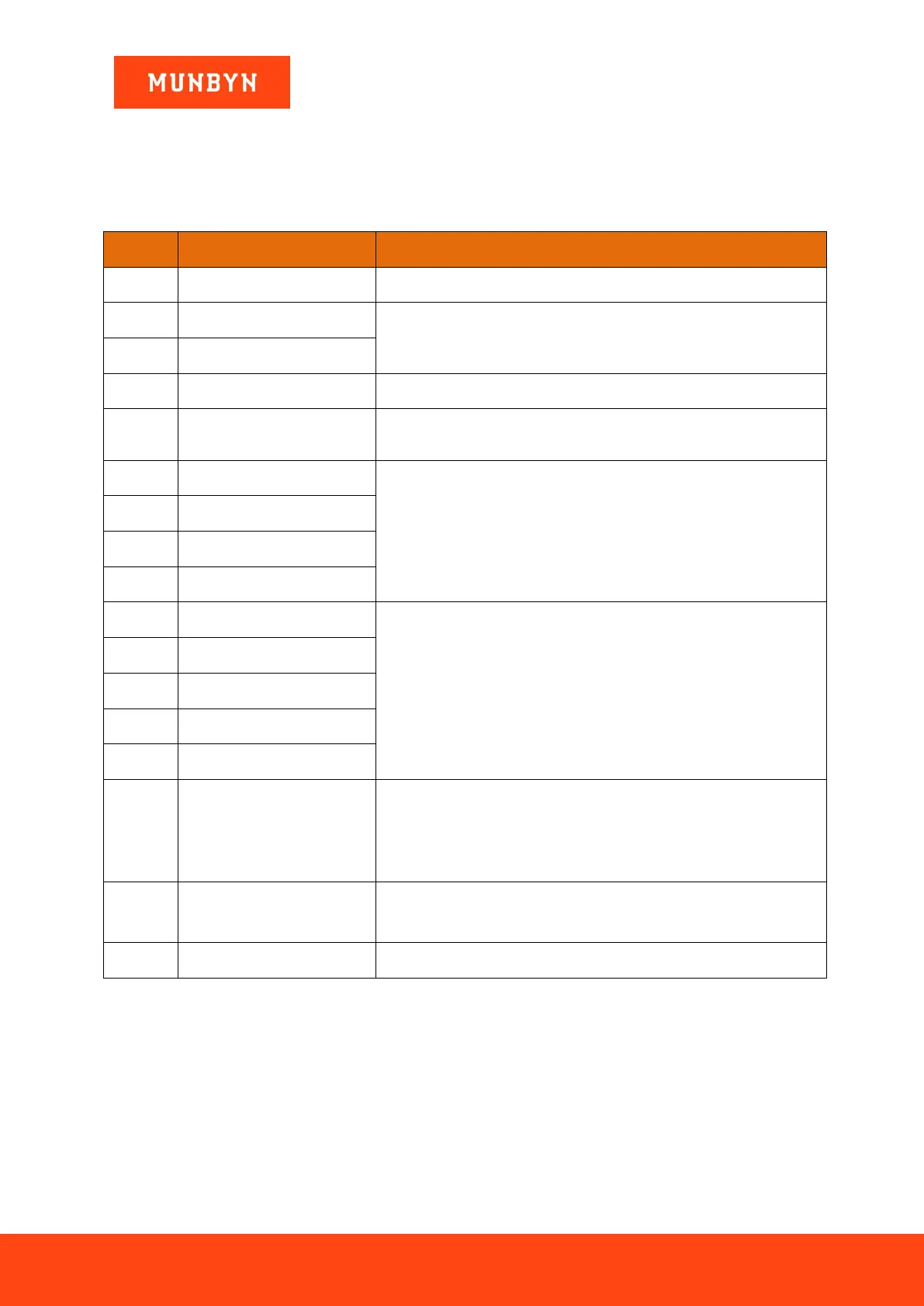
Table 2- 1 Error Codes
Handling Method (Recommendation)
Remove the banknote, clean the UV sensor
If the errors occur frequently, adjust the screw toward the anti-clockwise to
decrease the feeding gap.
Fine tune the screw to adjust the feeding gap according to section 2.6, And
perform the CIS calibration
Remove the banknote, clean the CIS sensor;
Perform the CIS sensor calibration;
Collect the data of the banknote.
Orientation Recognition Error
Remove the banknote, clean or replace the MG sensors
Remove the banknote, fine tune the screw to adjust the feeding gap according
to section 2.6.
Clean the CIS sensor and perform the CIS calibration;
Collect data of the banknote.
Please check if there is any foreign matter stuck inside IMC01.
Follow the instructions in section 2.13 for troubleshooting.
Please refer to section 2.12 to clean the stacker sensor.
In the process of using the IMC01, the IMC01 may show abnormal state and display the error codes on the
screen. The description of the error codes and the related handling method is shown in table 2-1.



 To Next Page