Dehumidifier M KD-series
3.3 Internalhygrostatoperation
Step Key Feed back
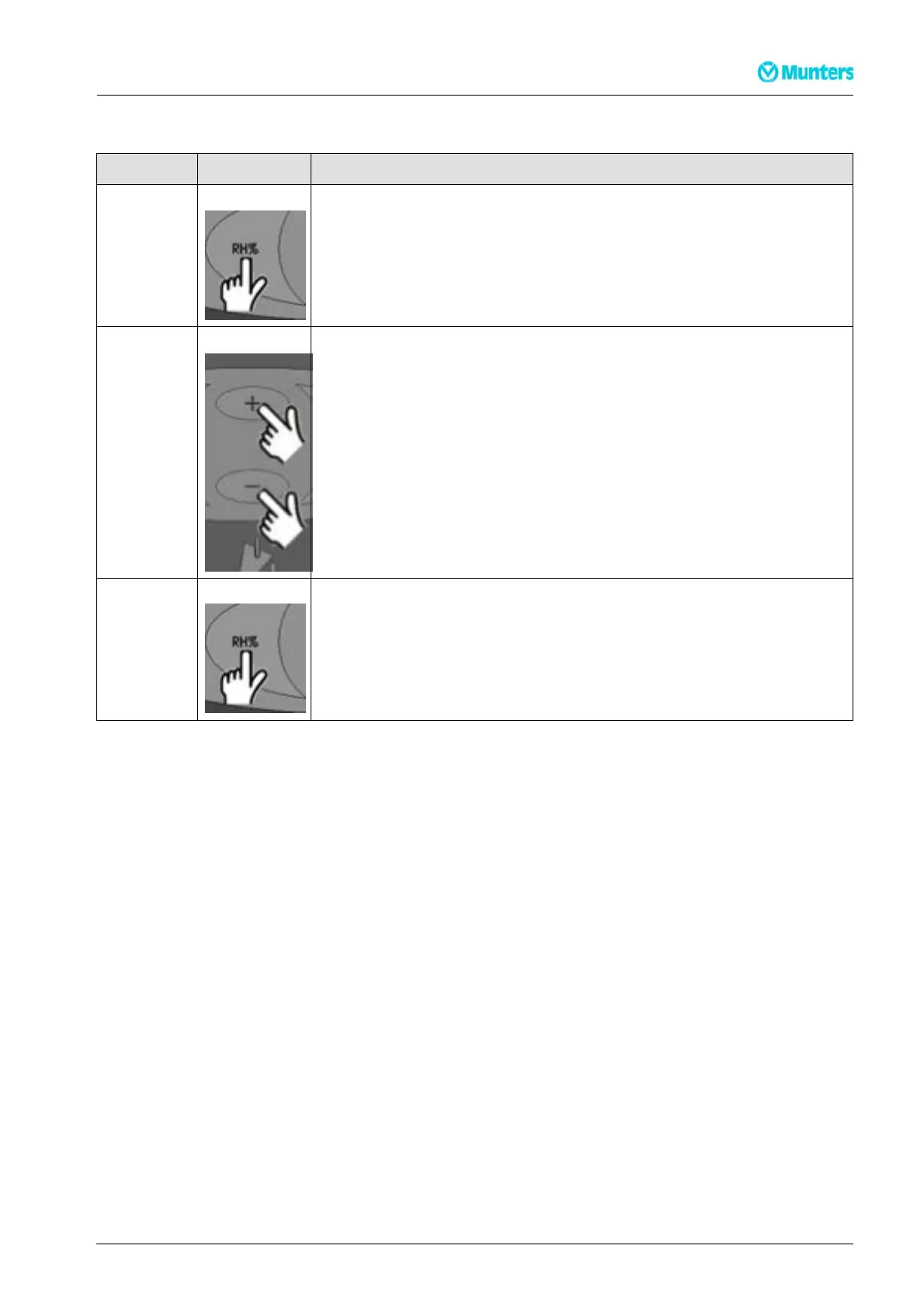
Press and
hold
HYG SET RHxxx% - will flash for 5 seco
nds. T he dehumidifier will then
switch to internal hygrostat con
trolled operation with set point (once the
set point is reached, the displa
ywillshowINT H YG STOP).
Press +/- briefly t o set the RH% value in during the above 5 second period.
The new value will be saved after a further 5 second period after the last
key is pressed
Press HYG OFF- will flash for 5 seconds. The dehumidifier will then switch to
constant operation
3.4 Externalhygrostatoperation
If an external hygrostat is connected, the machine will automatically switch over to using it. Any adjustment
of the set point must now be made on the external hygrostat. (once the set point is reached, the display will
show EXT HYG STOP)
190TEN-1071-C1304 Operation 10


 To Next Page