11
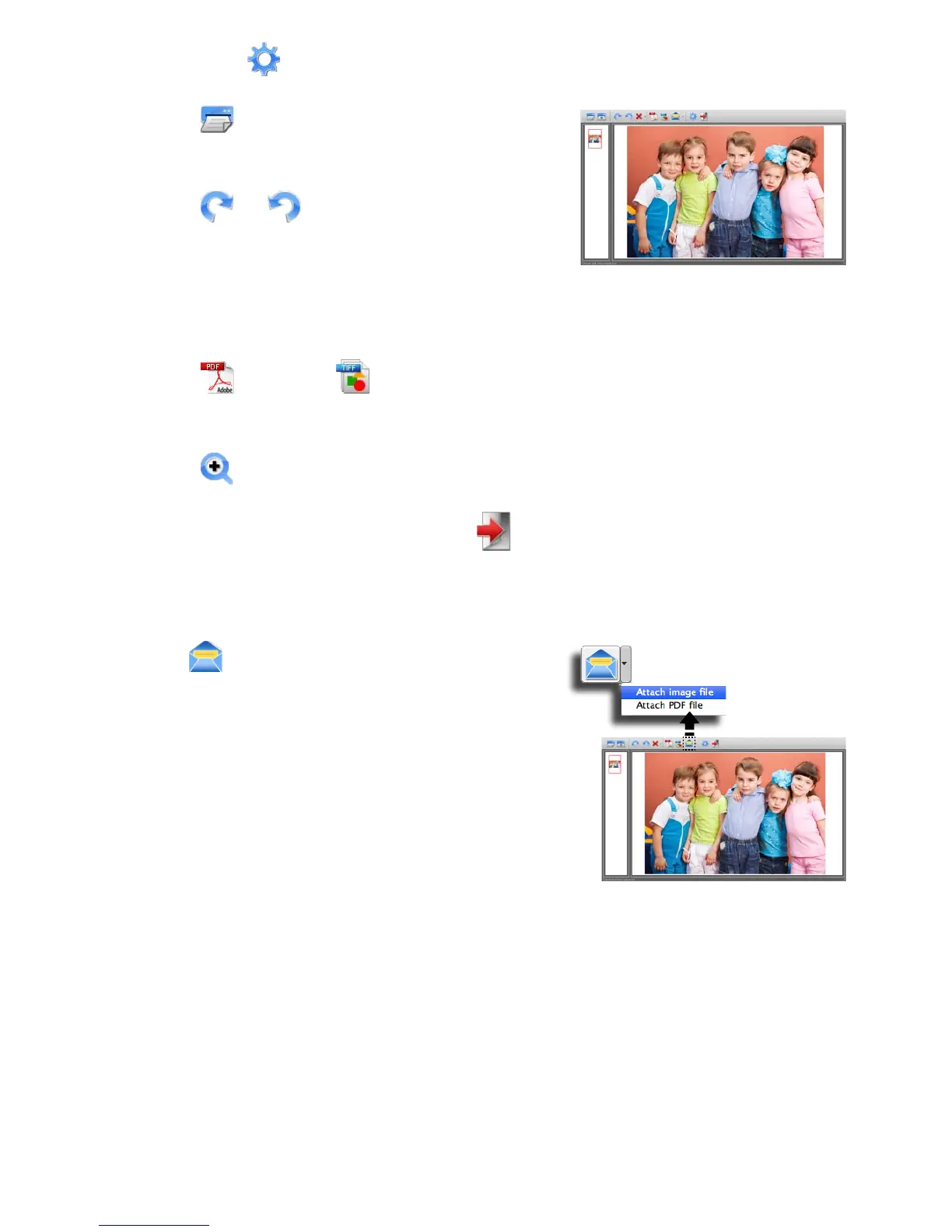
3. Set up the (Scan Setting) as describing on Page 12.
4. Press (Scan) in the ScanExpress
S40 Plus panel to begin to scan.
5. Press or (Rotate) on the panel if
you wish to rotate the image.
Note: You may repeat steps 3 ~ 4 to scan more pages to be saved in
thesamele.
6. Press (PDF) or (TIFF) to export the image(s) into a PDF or
TIFFle.
7. Press (Zoom) to zoom in or out the scanned images. (MAC only)
Note: To exit the scan panel, press (Exit) on the panel.
Attach scanned image to email
• Press (attach the email) to attach the
image as TIF, JPEG or BMP images or
PDF format to send email.
Note: Select a preferred email software in
the Scan Setting if more email softwares
in your PC.












 To Next Page