Installing Hardware
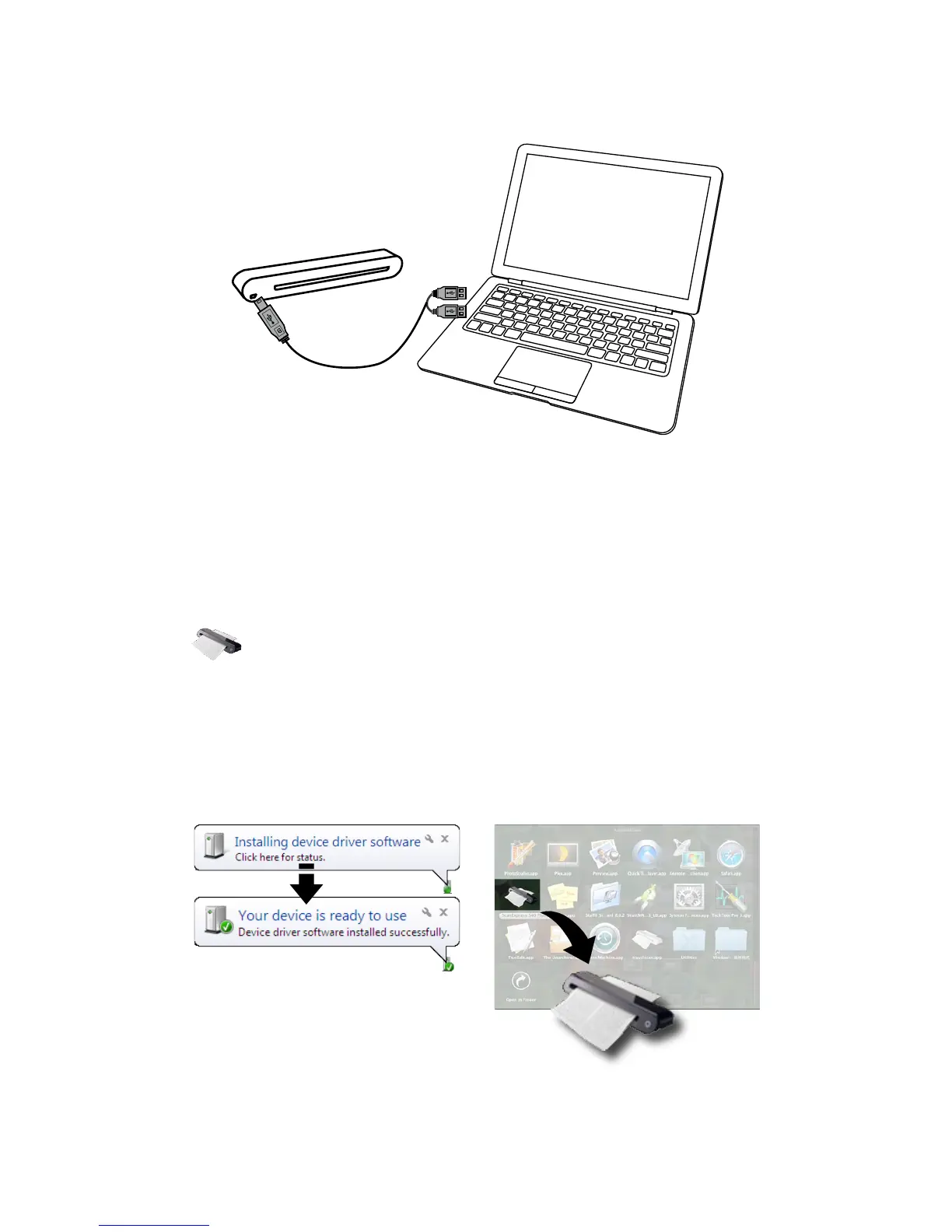
1. With the computer turned on, connect the two A-Type USB ends of
the USB cable to 2 USB ports of your computer and the other end to
the scanner.
2. When the computer detects the new hardware being inserted, the
icon ( ) will appear under the Applications (MAC OS) or pop-up
message as below (PC OS).
Note: Follow on screen instructions to complete the hardware
installation as necessary.
MAC OSPC OS













 To Next Page