Calibrating and Cleaning the
Scanner
• Togethighimagequalityandgoodrecognitionresults,cleanand
calibrate the scanner before scanning documents from time to time.
• Make sure the cleaning stick and calibration papers are clean
without any dust prior to use.
Using the Calibration and Cleaning Paper
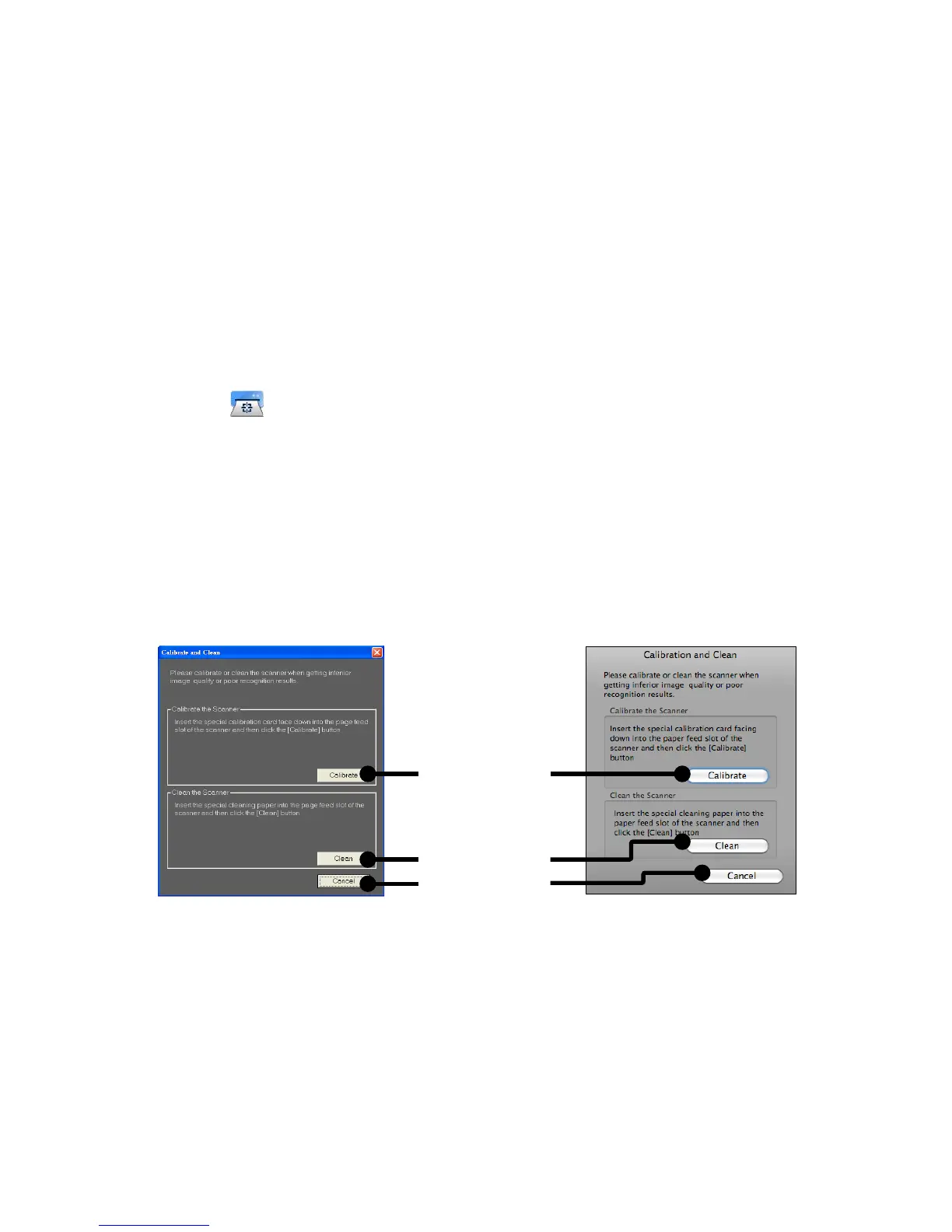
1. Click the (Calibrate and Clean) on the ScanExpress Plus panel,
then a Calibrate and Clean window will appear on the screen.
2. Insert supplied calibration or cleaning paper with the white
side facing up into the feed slot and click Calibrate and Clean
respectively.
3. The paper will go through the feed roller to complete the task.
1. Calibrate
2. Clean
3. Cancel
MAC OS
Windows OS













 To Next Page